37
Multi-Step Test Mode:
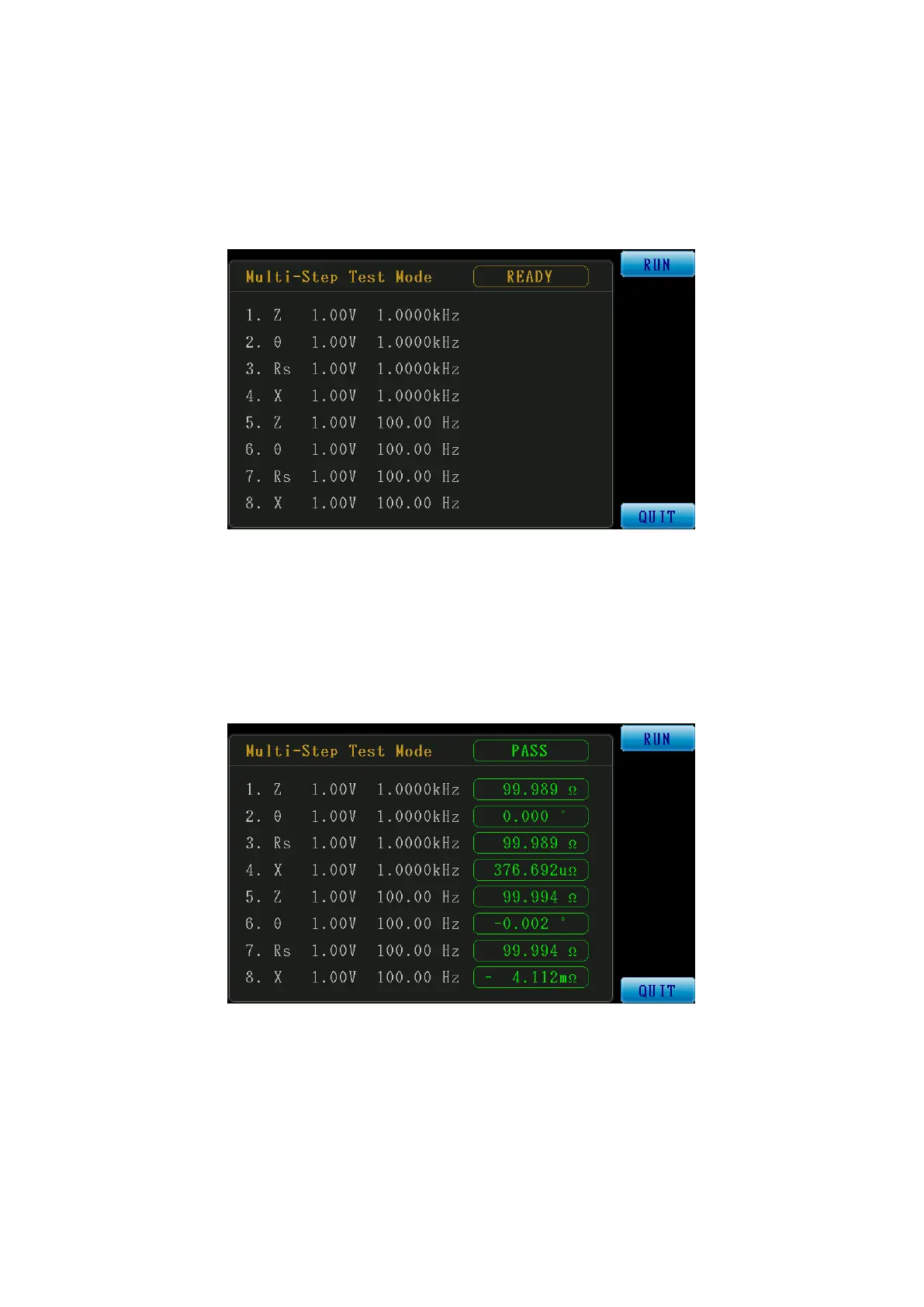
The following figure shows the multi-step test screen. Test results will be displayed under the
yellow frame {READY}. The system will display {PASS} or {FAIL} when the test is completed.
Test data will be displayed behind each test item; the green one means PASS and red one
means FAIL.
Figure 3-4-6 Multi-Step Test Screen
RUN: Enable multi-step test.
QUIT: Return to the Multi-Step Mode test item list screen.
The test result is shown as the following figure:
Figure 3-4-7 Multi-Step Test Complete Screen



 To Next Page