CT
CTCT
CT-
--
-8700
87008700
8700 User
User User
User’s Guide
s Guides Guide
s Guide
P 24
II.1.F
II.1.F II.1.F
II.1.F
Fixture Wiring Circuit test
This function is to check whether the fixture has made a 4 wire connection. If
it shows OK that can be 4 wiring circuit, if NO that means wrong cable connect
or without contact.
Operation Procedure
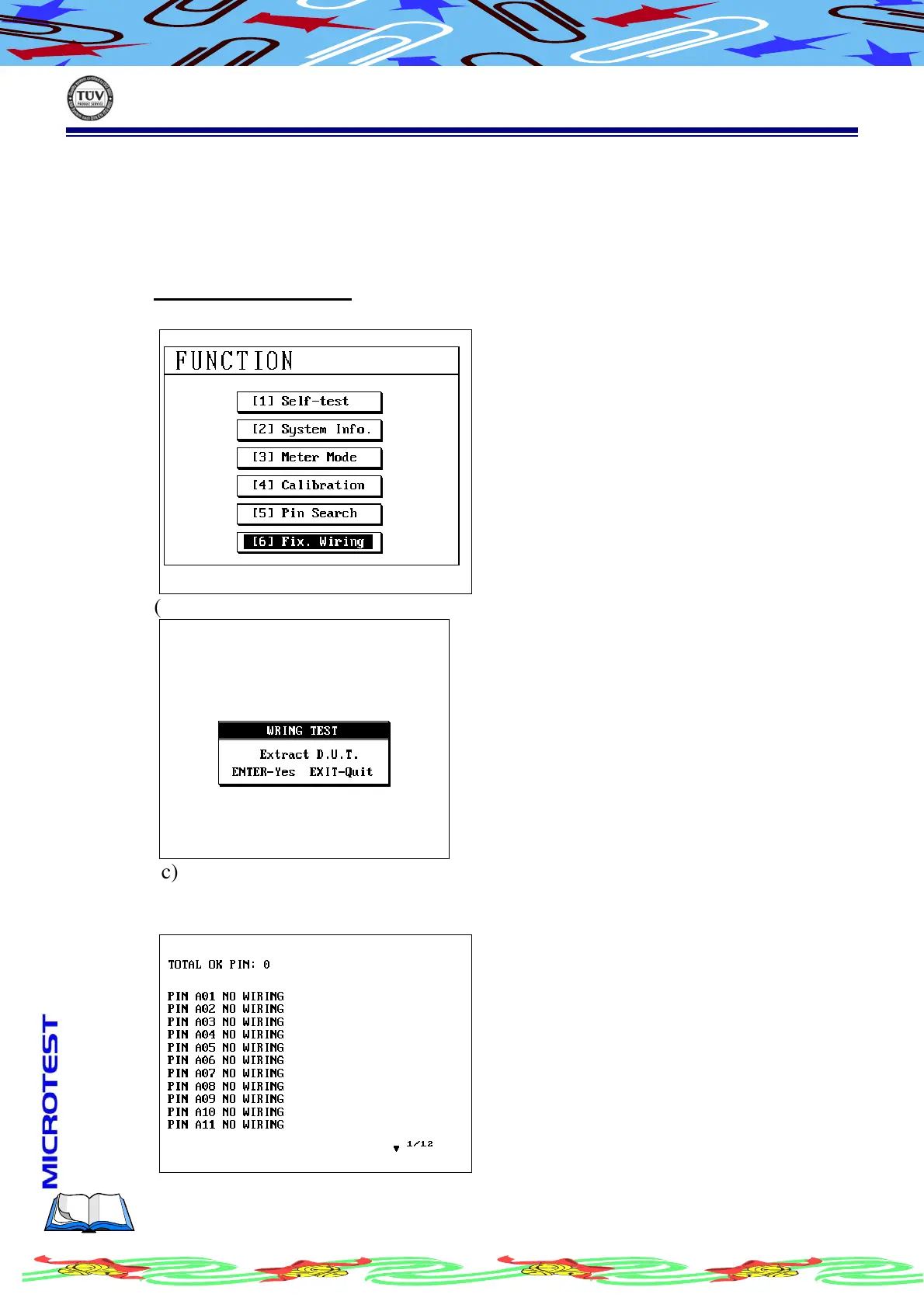
(a) Press [Func] and using [↑] or [↓] to select this item
(b) Press [Enter] to start Fix. Wiring test, LCDdisplay as following
(c) Make sure the fixture has connected and there’s no any DUT(cable)
connected, then press [Enter]
(d) LCD display as following



 To Next Page