CHAPTER
CHAPTER CHAPTER
CHAPTER Ⅱ
ⅡⅡ
Ⅱ System Function & Configuration
System Function & Configuration System Function & Configuration
System Function & Configuration
P 27
II.2.A.d
II.2.A.d II.2.A.d
II.2.A.d
Key Operation
This instrument provide key protection that to avoid any data be modified, the
default setup is |Unlock |
If want to select key protective or remove it which have to enter passwords,
the detail please read User’s Guide
Operation Procedure
(a) Press [Sys] to enter System Enviroement setup
(b) Use [↑] or [↓] to select (4)Key Operation
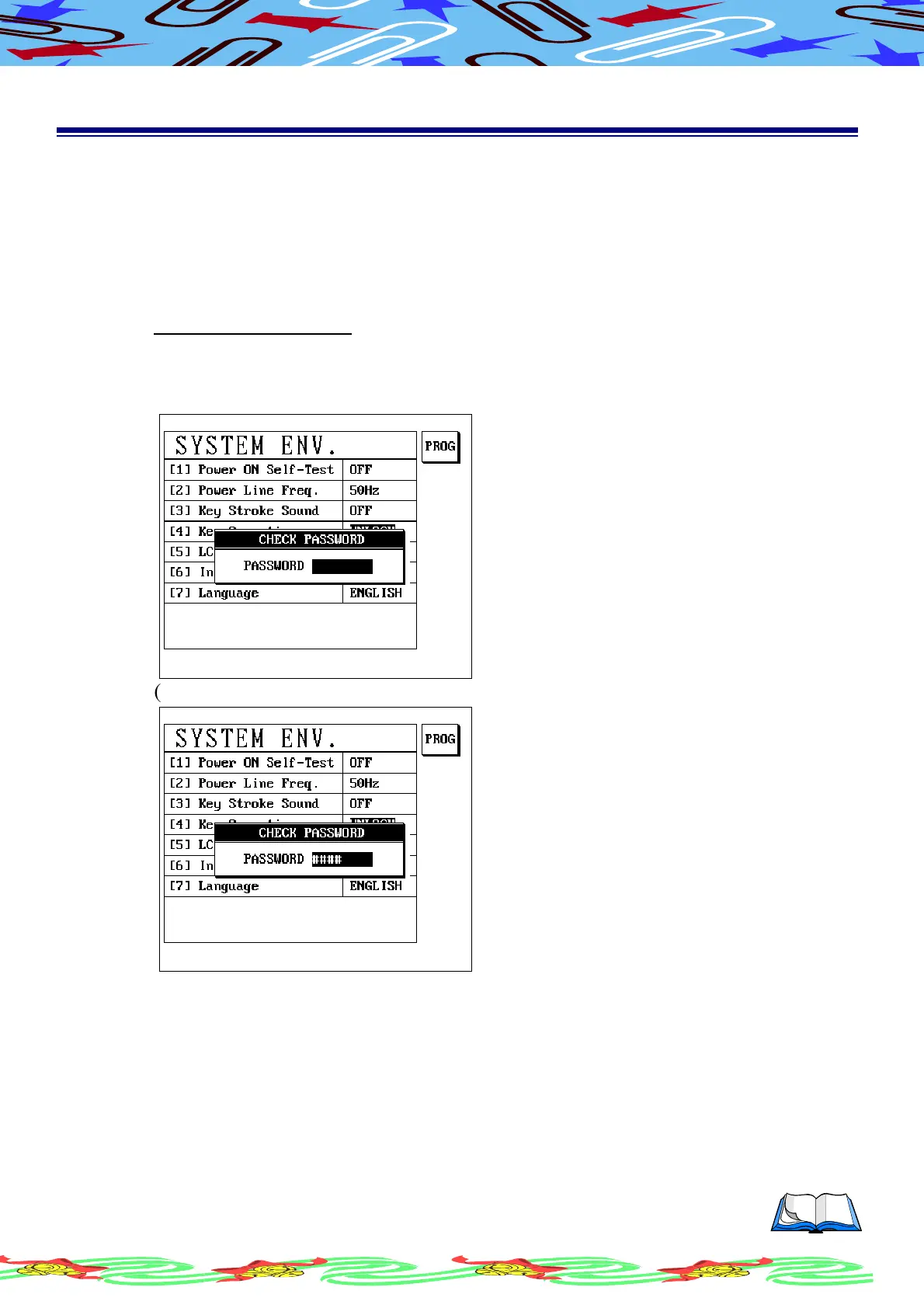
(c) LCD display as following
(d) Enter passwords xxxx,LCD display as following



 To Next Page