CHAPTER
CHAPTER CHAPTER
CHAPTER Ⅱ
ⅡⅡ
Ⅱ System Function & Configuration
System Function & Configuration System Function & Configuration
System Function & Configuration
P 25
II.2
II.2 II.2
II.2
System setup
System Setup includes system configuration and test condition setup. The details
describe as following.
Operation Procedure
(a) Press [Sys]
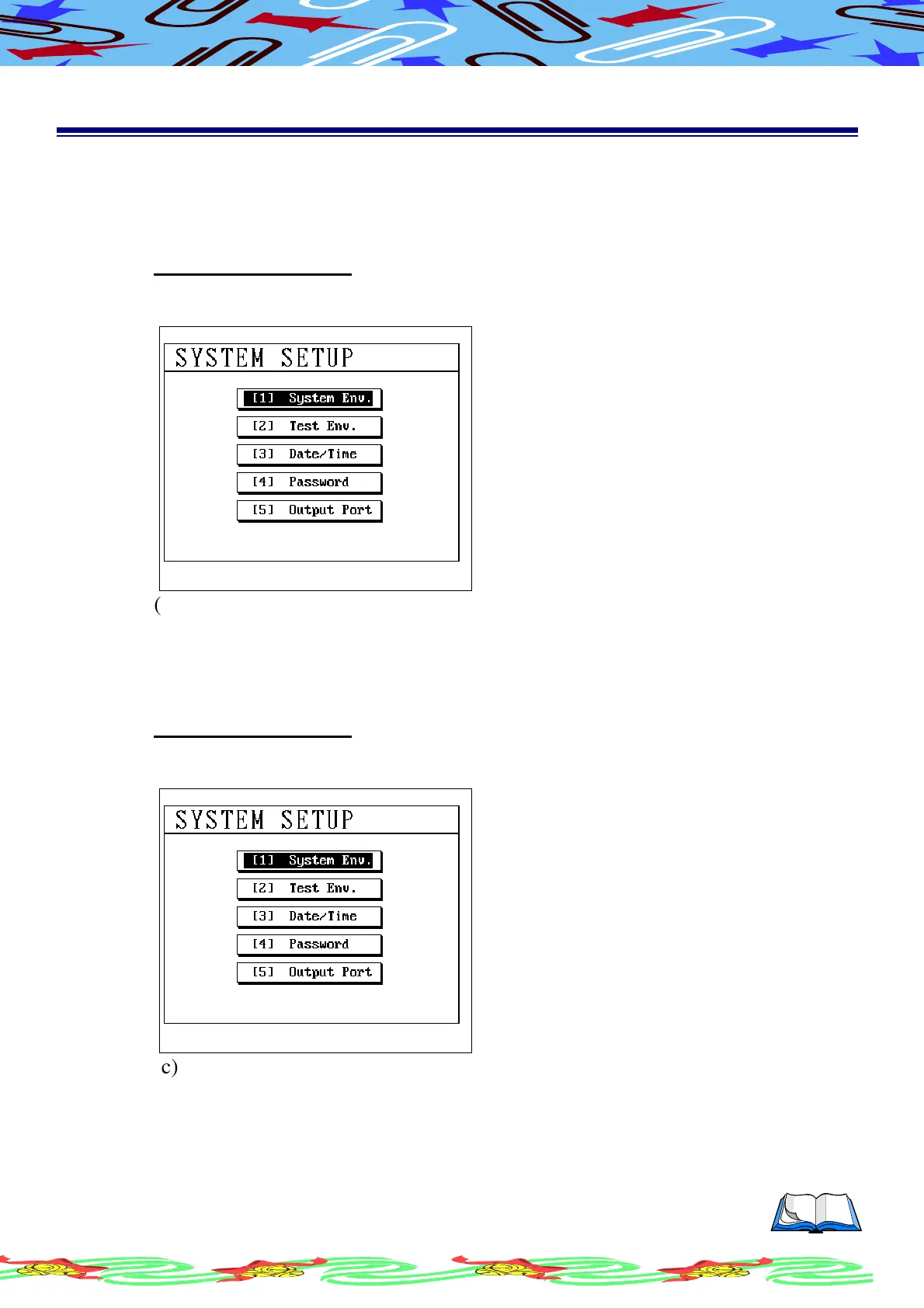
(b) LCD display as following
(c) Using [↑] or [↓] to select item
(d) Press [Enter] to get in the indicate item to setup working
II.2.A
II.2.A II.2.A
II.2.A
System Environments Setup
Operation Procedure
(a) Press [Sys]
(b) LCD display as following
(c) Using [↑] or [↓] to select (1)System Env. And press [Enter]



 To Next Page