CH
CHCH
CHAPTER III Sequence Test Setup
APTER III Sequence Test SetupAPTER III Sequence Test Setup
APTER III Sequence Test Setup
P 45
III.3
III.3 III.3
III.3
File Management
You can call the Load; Sort or Del routines to proceed file management for
running the EXISTED SEQUENCE TEST implementation:
III.3.A
III.3.A III.3.A
III.3.A
Open File
Open File is to load a file in storage memory to main memory, which completes
the preparation for the running of sequence test.
Operation Procedure
(a) Press[File]
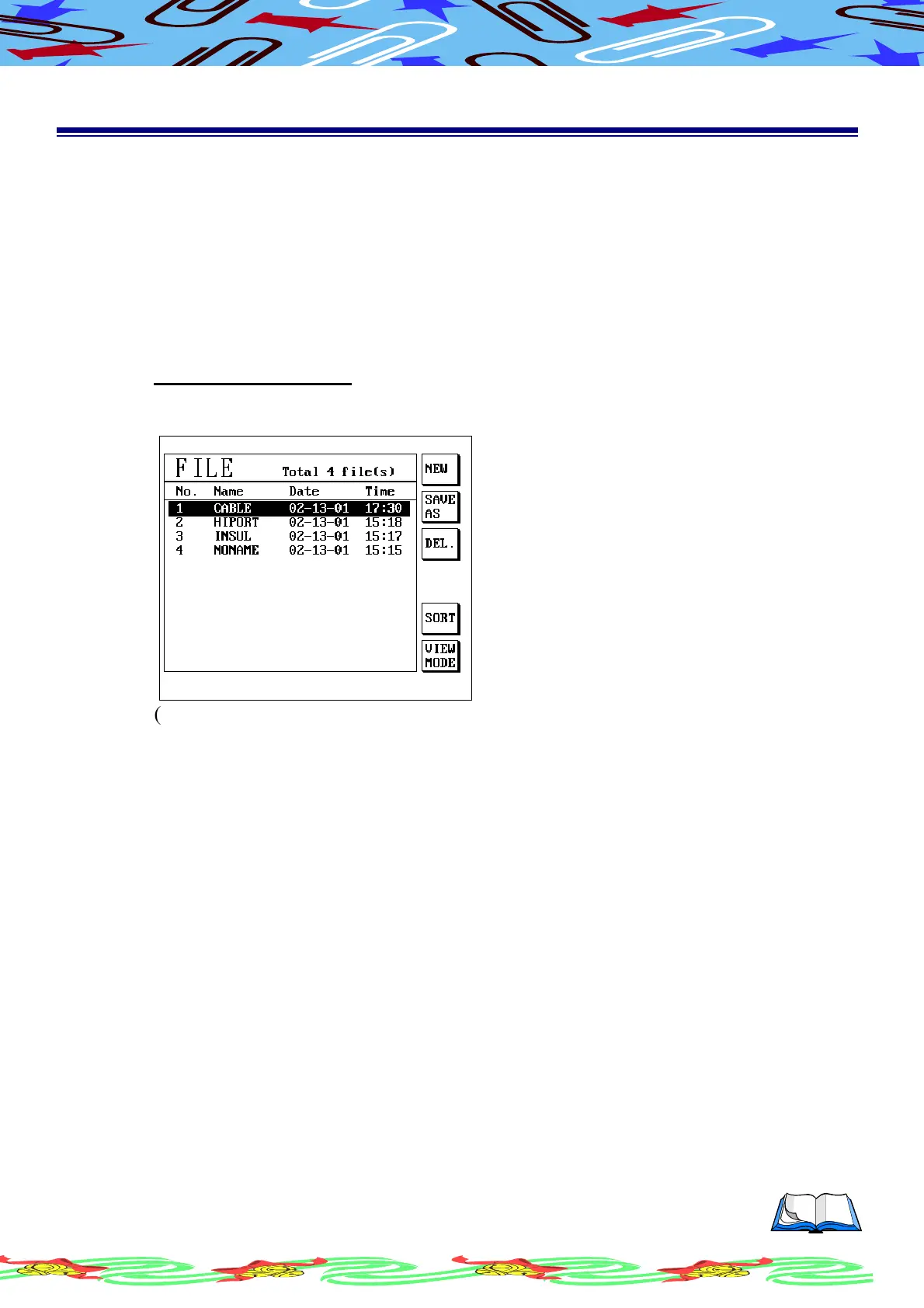
(b) LCD display as following
(c) Use [↑] or [↓] move cursor to the item you needed
(d) Press [Enter] to start loading file
(e) The tester start to load file from those files have been selected into main
memory.
(f) LCD display will return to main screen, the present file will show the files
name as you have selected, now then, the files load are completive.



 To Next Page