Classic Manual Rev L
28 | P a g e 1 0 - 0 0 1 - 1 R E V L
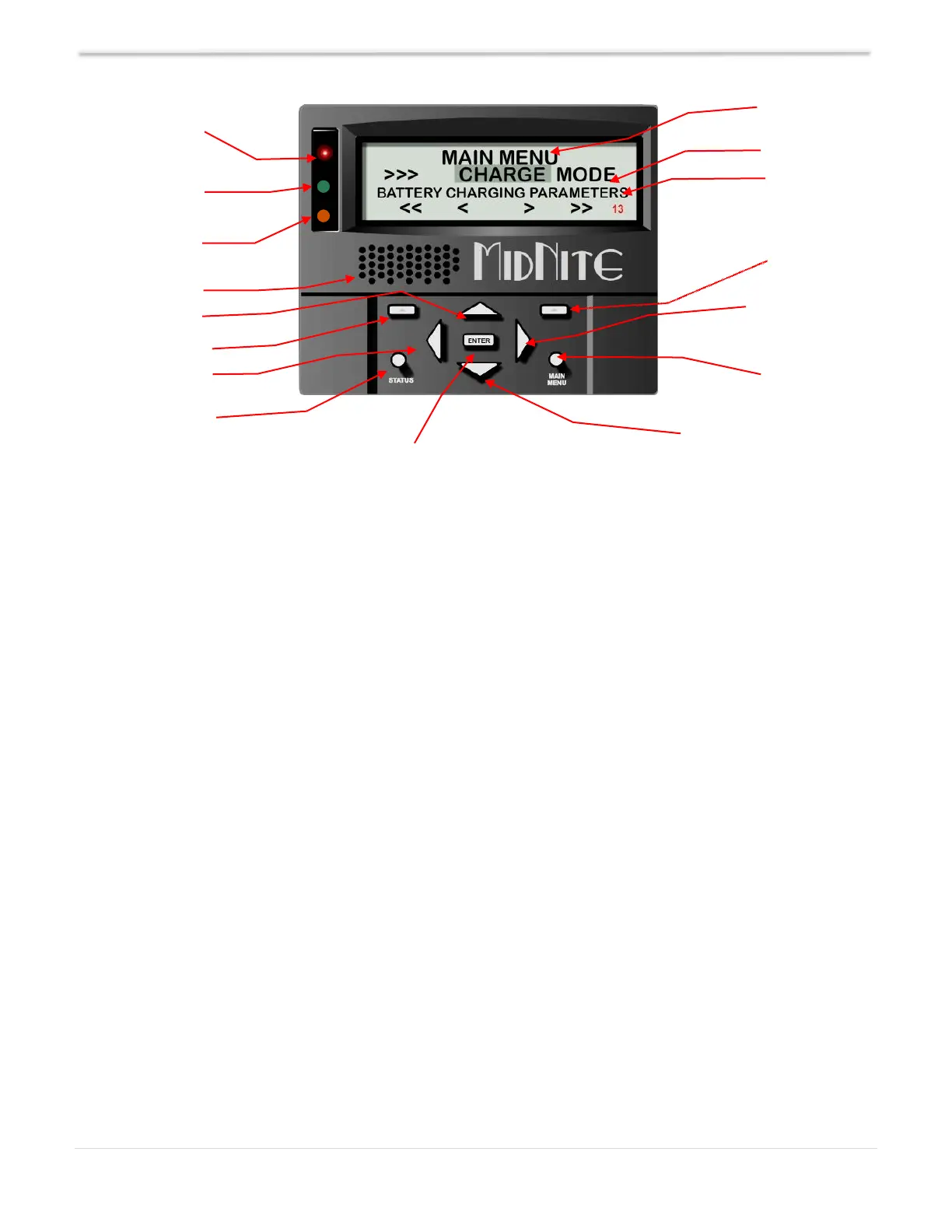
Most settings can be accessed and modified. Navigate using the LEFT and RIGHT ARROW keys.
Pressing ENTER takes you into that menu. The MAIN MENU key also backs you out of any submenu.
Use the soft-keys for options & views. Be sure to press ENTER to save changes before backing out of
any menu/submenu.
The Classic has some helpful safety features including GFP (Ground Fault Protection) and AFD (Arc
Fault Detector). When one or more faults are detected, the Classic will stop outputting power and
display a fault message in the bottom right corner of the home screen.
Setting up contrast, backlight and volume is simple; just follow the steps below:
Depress the MAIN MENU key.
Scroll left or right to highlight MISC and depress the ENTER key.
Use the LEFT and RIGHT ARROW keys to select the feature to set, depress the ENTER key.
Depress the UP and DOWN ARROW keys to adjust; depress ENTER to save.
Navigating the Menu
Depress MAIN MENU key.
Push LEFT and RIGHT ARROW keys to see the different menus.
To return to the status screen, depress the STATUS key.
To navigate from one end of the main menus to the other end, push the RIGHT or LEFT SOFT
keys. Below the name of the menu is a description of the menu. Pushing the LEFT and RIGHT
ARROW keys will enable you to see all the main menus provided. Inside some of these main
menus will be sub-menus to adjust the parameters of the selected feature.
Communication
& Error Indicator



 To Next Page