Classic Manual Rev L
37 | P a g e 1 0 - 0 0 1 - 1 R E V L
The arc fault module has three adjustable parameters: Mode, Time, and Sensitivity.
MODE: Factory default at 1, and it should stay that way unless instructed by MidNite Solar.
TIME: Sets the length of the arc the Classic has to monitor before tripping the arc fault
detector; factory default at 4.
SENSITIVITY: This parameter determines sensitivity of the arc fault detector; 1 being the
most sensitive and 15 the least. Factory default at 10.
If you experience nuisance tripping, you can raise the sensitivity one digit at a time. Follow the
instructions below to make adjustments or disable arc fault. As a last resort, you may disable arc
fault if your system cannot work with the arc fault detector. Be absolutely certain an actual arc fault
condition does not exist.
To change the parameters of the Arc Fault, follow the
steps below:
Press Main Menu.
Scroll right or left until TWEAKS is
highlighted.
Depress ENTER.
In TWEAKS, depress the RIGHT SOFT key 5
times.
Use the LEFT and RIGHT ARROW keys to
select the feature to adjust. Use UP and
DOWN ARROW keys to change settings.
Programming for PV Bleed Down
To enable the Classic to bleed down its PV capacitors in less than 30 seconds, to be used in
conjunction with a Rapid Shutdown System (RSS), follow these steps:
Depress the MAIN MENU key several times until CHARGE is highlighted.
Scroll to the right to highlight TWEAKS and depress ENTER.
Depress the RIGHT SOFT key under the word “More.”
Hold the LEFT ARROW key and depress the RIGHT SOFT key 2 times. (See Figure 19)
The number under ADDRESS should be highlighted. Scroll up or down to 4289.
Use the RIGHT ARROW key to scroll over and highlight the value under VALUE.
Change the VALUE to 5.
After setting the current limit to the value you desire, hold the LEFT SOFT key and depress
ENTER. You will see “DATA SENT AND SAVED.”
Depress STATUS to return to the main screen.
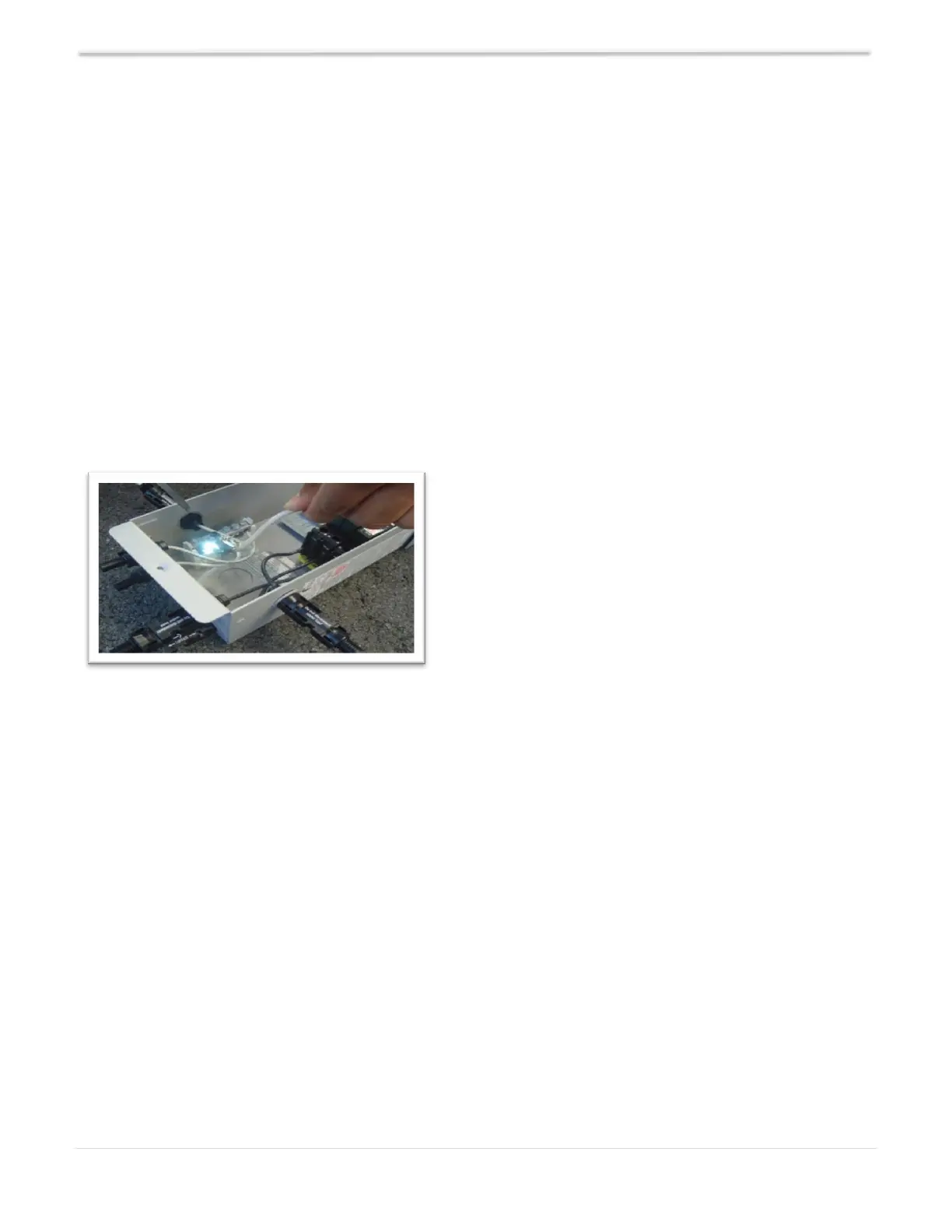
Figure 18 – Actual Arc Fault



 To Next Page