Classic Manual Rev L
38 | P a g e 1 0 - 0 0 1 - 1 R E V L
Functional Test - After programming, perform a functional test of the Classic and its ability
to bleed-down the PV input voltage. With the sun out and the Classic charging the batteries,
you should initiate a rapid shut down. About 10 seconds after initiation, the Classic will
cease making any power and then within 5 seconds will go to Resting and the PV voltage will
bleed down very rapidly.
Charge/Advanced Settings
Ending Amps – Used in conjunction with the MidNite Whiz Bang Jr current-sensing device.
Ending Amps is set by the battery manufacturer and means the point at which the battery
bank is full. During the Absorb charge cycle, the charge controller holds the voltage at the
preset charge level, say 14.8V. As the batteries fill up, the current into the batteries
decreases. When the decreasing current reaches the preset Ending Amps point, the charge
controller stops the Absorb cycle and transitions to Float. In the absence of specifications
from your battery manufacturer, use 1 – 3% of the bank’s amp-hour capacity (C20 rate) for
Ending Amps.
Re-bulk – Forces Classic back into the Bulk charge cycle. Helpful if your inverter runs during
the day, bank gets depleted, and enough sunlight hours remain to recharge the battery bank.
Good re-bulk setting is your bank’s 50% DOD voltage point (12.1V; 24.2V; or 48.4V). Or you
can just let the Classic stay in Float, and the Classic will sense the current outflow and change
to Float MPPT.
EXAMPLE:
1. You want the Classic to charge when the battery’s voltage is less than 51.9V and
rest when at 52V.
a. Set Absorb volts = 52V
b. Set Absorb time = 3 minutes.
c. Set Float volts = 40V
d. Set REBULK = (Voltage you want to start back charging, must be > 40v and
< 52V.
2. The Classic will report BATTERY OVER VOLTAGE and will stop charging
(RESTING) until Re-bulk voltage is reached.
Skip Days – This setting forces the Classic to Float at the start of the charging day instead of
to Bulk. Useful if you have an unattended system, say at a remote cabin, one that you do not
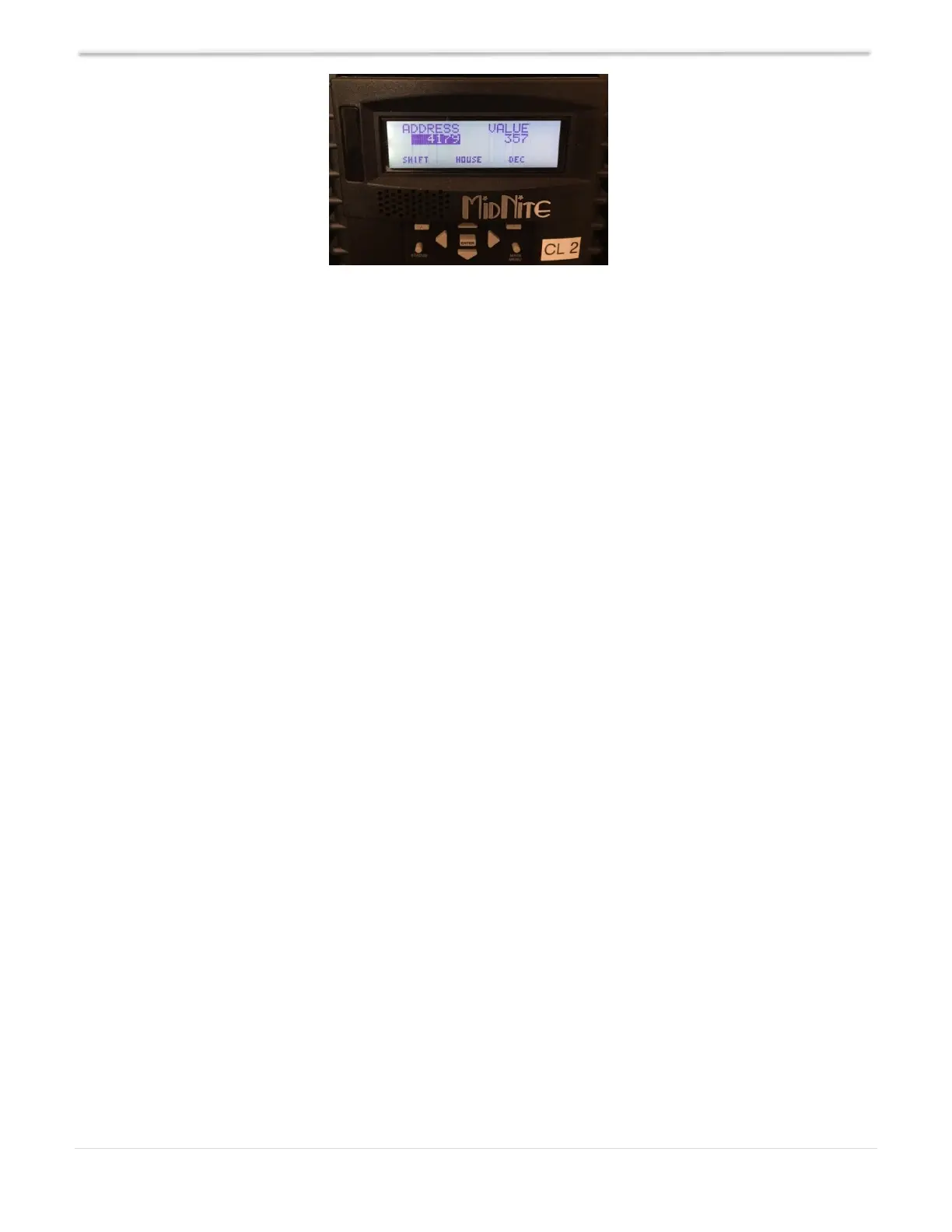
Figure 19 – PV Bleed Down



 To Next Page