Classic Manual Rev L
21 | P a g e 1 0 - 0 0 1 - 1 R E V L
Ground Fault Sharing (in Follow-Me configuration)
To share ground fault, you need to remove the GFP jumpers on all except one Classic. You then need
to make sure Ground Fault is enabled in the Tweaks menu for any of the networked Classics you
want to shut down on detection of ground fault. For example, say you have three solar Classics and
one wind Classic, and you do not want the wind Classic to shut down for GFP. Make sure in the
Tweaks menu of the wind Classic that GFP is disabled (off).
Naming the Classic
The Local Application software (available as a free download at www.midnitesolar.com) allows you
to issue a name to the Classic with upper- and lower-case letters, as well as numbers. This name can
be up to 8 characters. This name will show up on the display of the Classic instead of the word
CLASSIC. It will be shown in all upper-case on the Classic’s display. The naming process can be
helpful for networked Classics that use one MNGP (Display) to view multiple Classics.
Addressing Classics
You can assign unique addresses to each networked Classic. This is not necessary for Follow-Me to
work but it is necessary if you want to view multiple Classics from a single MNGP. To address a
Classic simply use the MNGP that is plugged into that Classic or plug the MNGP into that Classic and
hold the LEFT ARROW key down and tap the UP or DOWN ARROW key. The normal default address
is 10 so going up will take you to 11 and down to 9. When you get to the unused address you want
for that Classic, hold the LEFT and RIGHT ARROW keys for a second until “Data Sent and Saved”
shows up. Now this Classic has been re-addressed to the new address. Do this for all the Classics on
the network.
To view other Classics on the network, use the same button strokes. Hold the LEFTARROW key
down and tap the UP or DOWN ARROW depending on which number you are looking for. We
suggest going from 10 up for clarity. So, if you have four Classics, they would be 10, 11, 12, and 13.
You would scroll up from the normal position to find the other three.
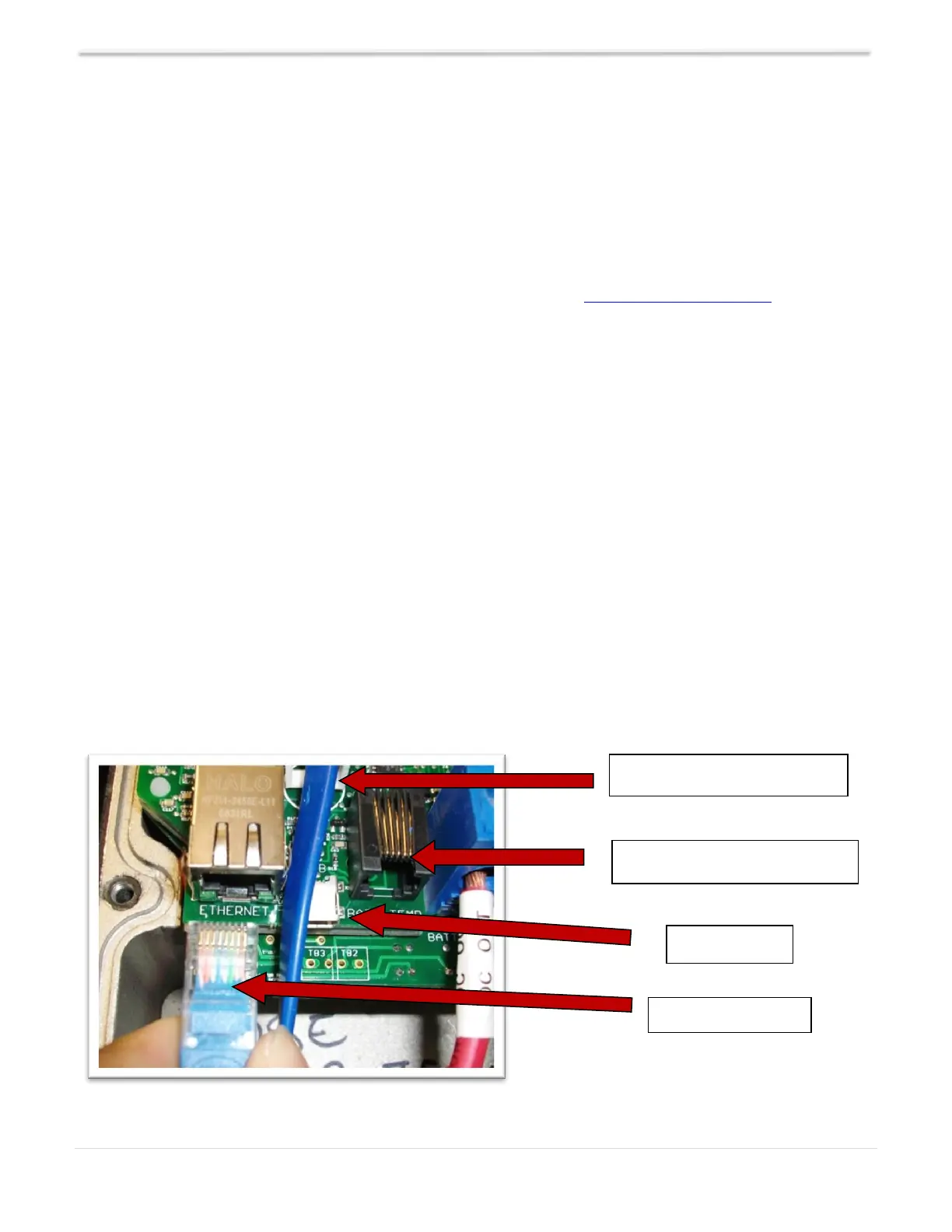
Figure 12
Battery Temp Sensor (included)
Cable Clamp for MNGP cable



 To Next Page