Classic Manual Rev L
48 | P a g e 1 0 - 0 0 1 - 1 R E V L
maximum FET temperature inside the unit, maximum PV or input voltage, and maximum
battery voltage for the day.
Hourly History
Also referred to as “Short term History” is captured once every five 5 minutes anytime the
Classic is not resting (when it is charging). Data logged every 5 minutes is power, input
voltage, battery voltage, charging stage, amps out, and kW/Hours. A time and date stamp is
associated with each data entry in both Daily and Hourly history logs. The main time/date
stamp for each data logging mode is Date for daily history and Time for recent history,
although both time and date are stored and displayed for each logging mode.
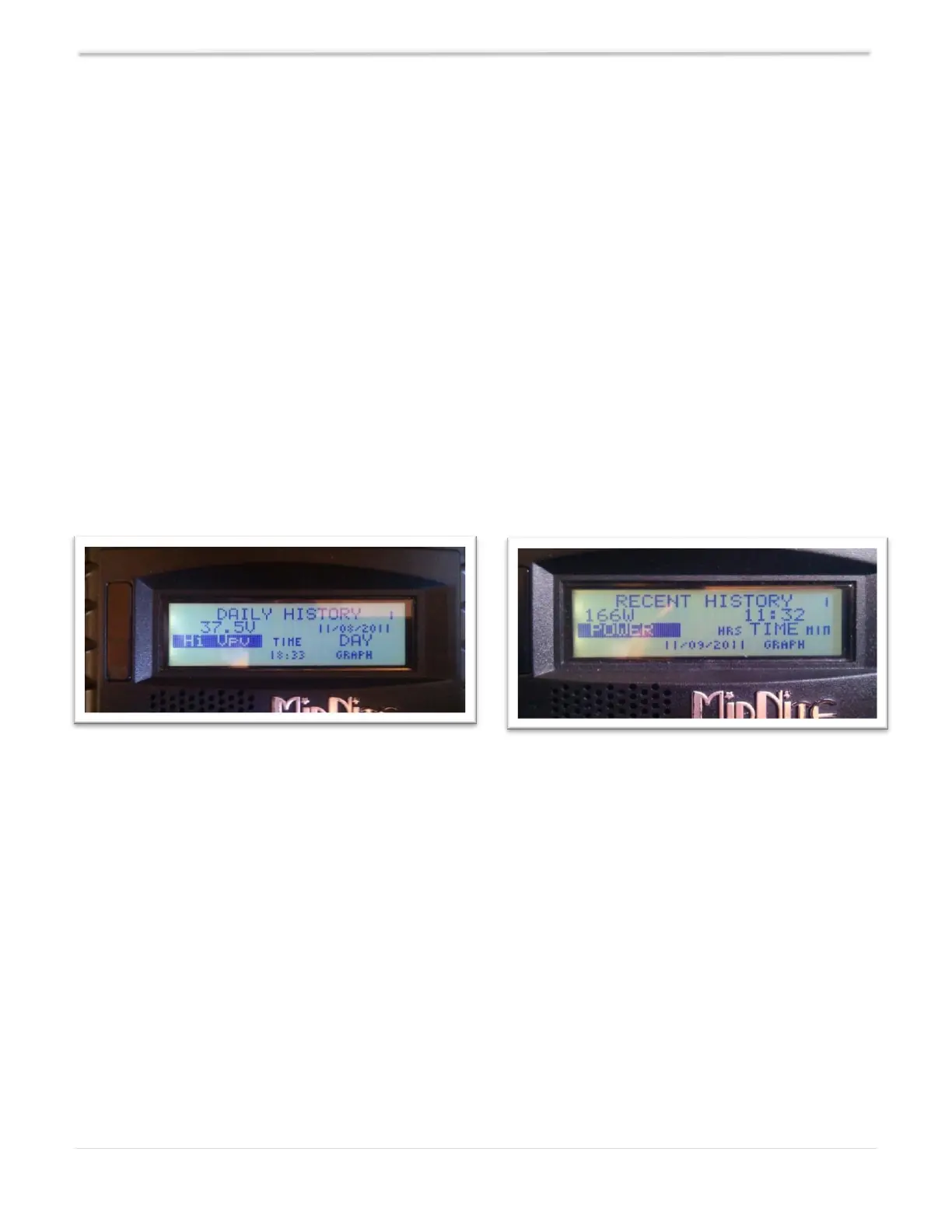
When entering the LOGS menu, you will see two items displayed. The top line is lifetime kW/Hours
for the Classic and below that is time spent in float today.
NOTE: Absorb, EQ, and Float times are also viewable in the TIMER VU sub-menu of the CHGTIME
sub-menu in the main CHARGE menu.
Pressing the LEFT SOFT key enters the DAILY history data viewing menu. Similarly, pressing the
RIGHT SOFT key enters the HOURLY recent history data viewing menu.
In the DAILY menu, the left side category of information displayed can be changed by pressing the
UP or DOWN ARROW keys. Switching over to the right side of the screen by pressing the RIGHT
ARROW key highlights the DAY change key. Pressing the UP ARROW key decrements the date (goes
back 1 day) and displays the captured date above the word "DAY." There are 380 days of
information stored in the Classic. After 380 days are captured and stored, the oldest data stored will
be overwritten as new daily data fills in as the most recent data.
The HOURLY log menu (captured every 5 minutes) works similarly to the DAILY log menu, except
that the time stamp above the word TIME is the time--shown in 24-hour format--that the data was
captured that day. The category of data captured is of course more suited for minute by minute
capture rather than the maximum data statistics captured on a day-by-day basis in the DAILY log
screen. The left side of the recent history text log screen can be individually viewed by selecting the
left side and pressing the UP/DOWN ARROW keys to show the power, voltages, charge stage, etc. and
various information captured at the time shown on the right-side time selection.



 To Next Page