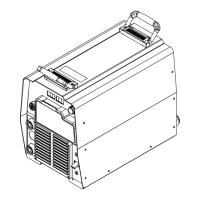
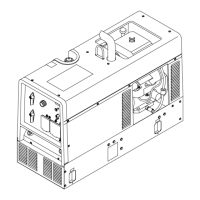
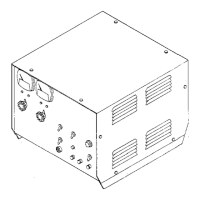
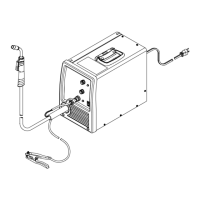
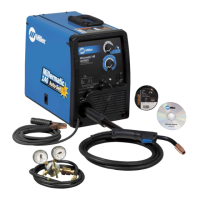
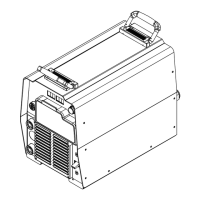
Always check unit before applying power (see Sections 8-2 thru 8-11).
TM-246193 Page 43Invision 352 MPa
8-17. Factory Reset Procedure
Start procedure with welding power source off.
1 Press and hold Setup button while turning power On.
2 When SETUP is displayed, release the Setup button.
3 Press and release Setup button until INFO NO is displayed.
4 Press and hold Setup button; EXIT NO. is displayed. Continue holding the Setup button; until FACTORY is displayed.
5 Release Setup button; LIFE NO is displayed.
6 Press and release Setup button; TASK NO is displayed.
7 Turn Adjustment knob until FAC. RESET is displayed.
8 Press and hold Setup button while display counts down from 5. When TASK DONE is displayed, release the Setup button. FAC. RESET is
displayed.
9 Turn Adjustment knob to display TASK NO.
10 Press and release Setup button two times; EXIT NO is displayed.
11 Turn adjustment knob on menu to display EXIT YES.
12 Press and release Setup button. Front display illuminates.
13 Reset procedure is complete.
Notes


 To Next Page
 Loading...