9-6 Annotations and Body Marks
9.4 Settings
See chapter “12.2.3 Comment Preset” for custom comment adding and layout setting.
General Setting
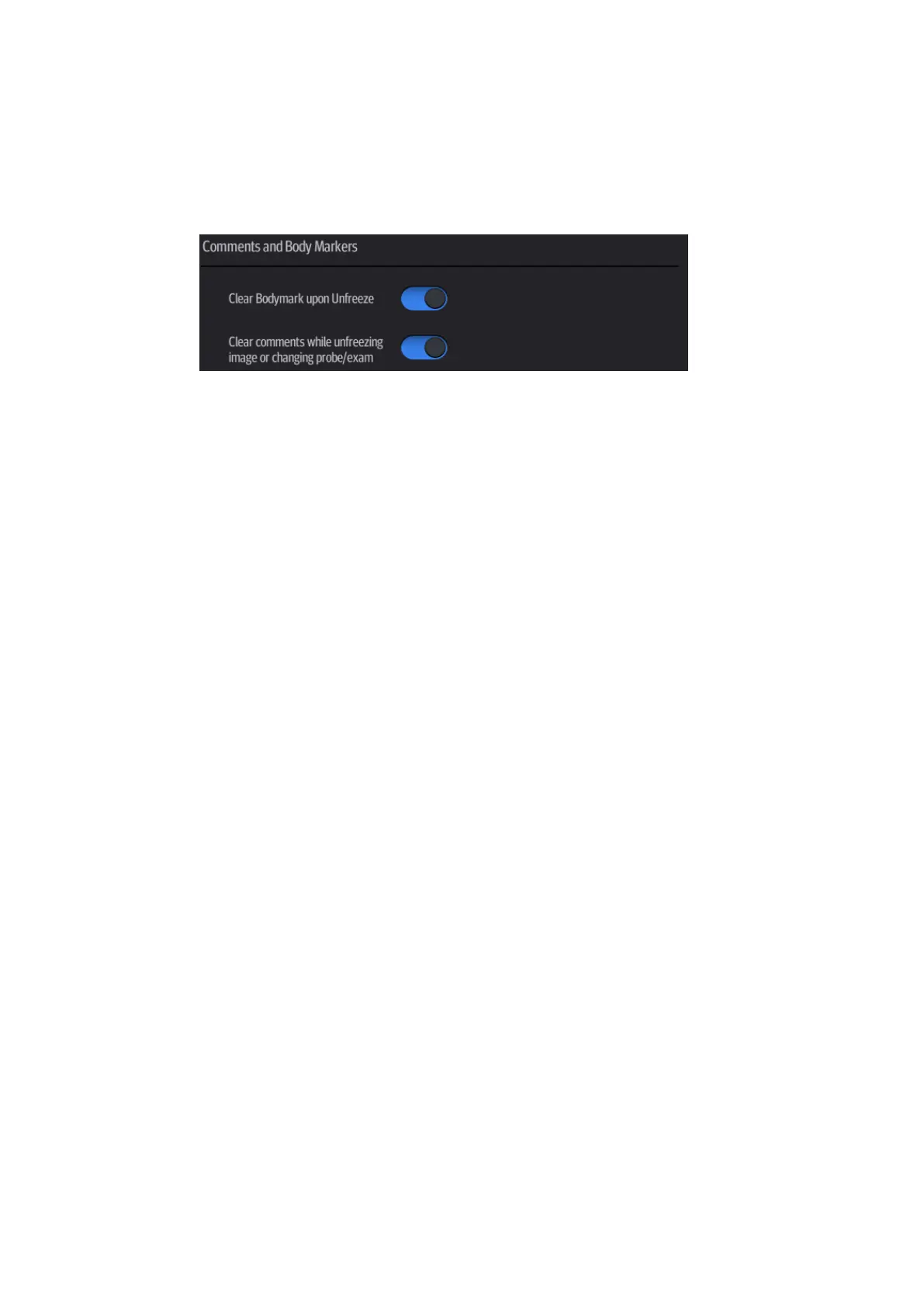
Enter the [Setup] -> [System] -> [General] screen to perform the following setting:
You can preset whether to clear the annotations when unfreezing the image or changing
the probe/exam.
Set whether body marks are erased when the image is unfrozen.
Exit [Setup] page or changing the exam/patient/mode/probe will clear the body marks.



 To Next Page