33
Service Manual Combics
t "DISPLAY " appears on the display.
t The display back lighting turns off and then on again.
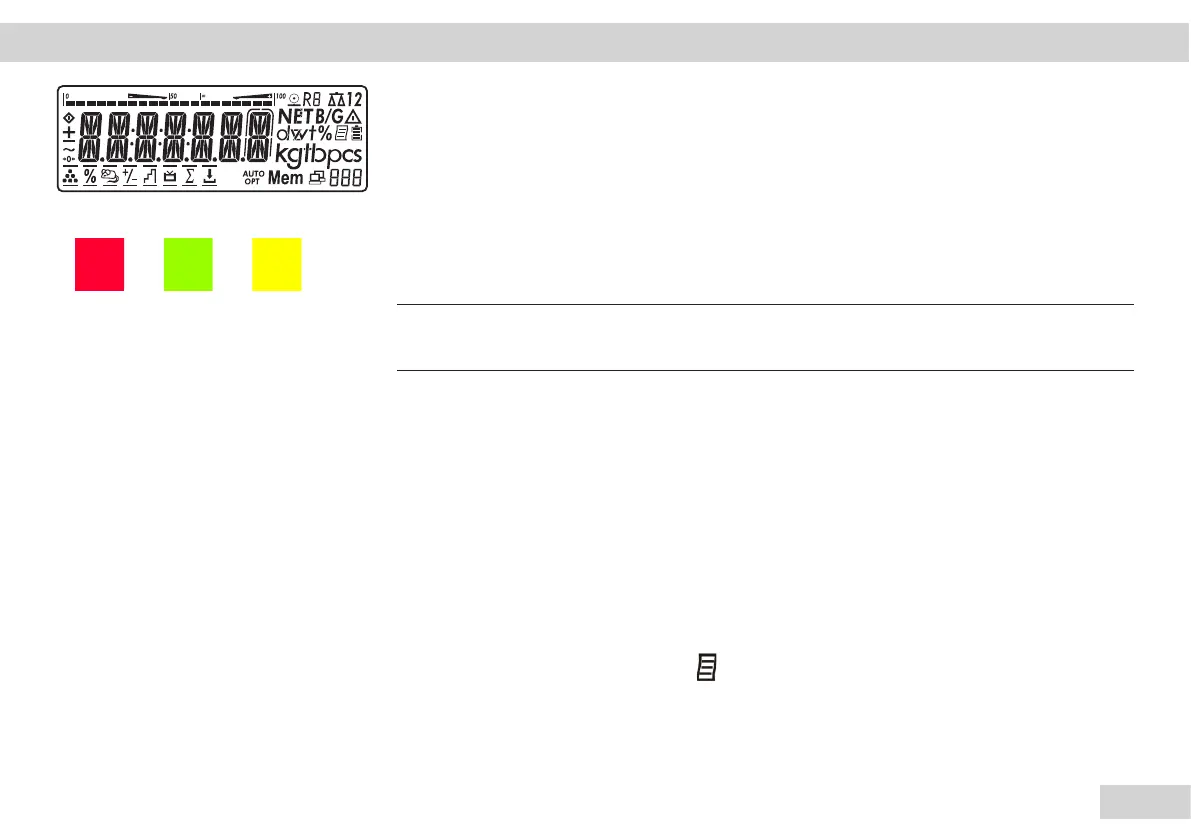
y All segments in the display are activated.
y Carry out the visual inspection.
t All LEDs turn off and then on in sequence (for Combics 2).
Then they all turn on and then off together.
Important!
h
You can speed up the test program by pressing the t key.
y "KEYBOARD" appears on the display.
The keys that must be checked appear in sequence on the display.
t Carry out the keypad test. All keys that need to be pressed appear on the display. Keys
should be pressed within 5 sec otherwise the program will see this as a key error.
y It must be possible to clearly feel and hear the click action of the key.
y Then the internal test of the memory components takes place.
The display shows "SRAM" and "EEPROM" in succession.
y If available, the Alibi memory test (option E5) takes place.
The display shows "FLASH " and " " in succession.
Operating Design | Test Program Combics 1 | 2
n ( )



 To Next Page
 Loading...



