AN-49-011 © 2023 Mini-Circuits
Rev. D | ECO-016581 | 25-Jan-2023 Page 15
5 - Using Mini-Circuits’ GUI
All attenuator models are supplied with API programming objects (DLL files) to allow easy control by most common lab test
software (see programming manual for details) and with a Windows GUI program to set the attenuation level manually.
5.1. Getting Started
To start the program, use the Start menu or navigate to the location the Mini-Circuits Programmable Attenuator software was
installed in and run the program.
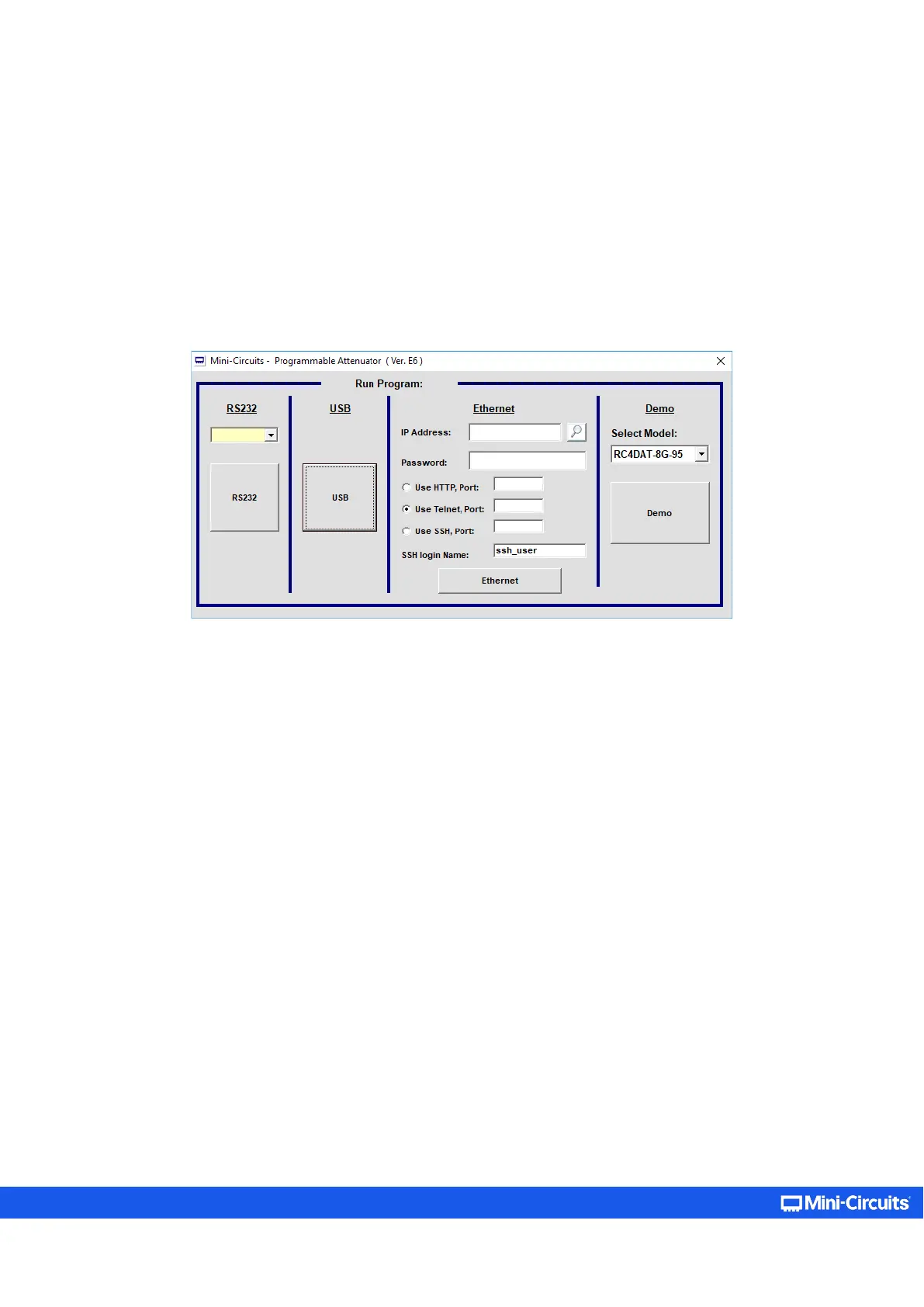
Once running, the user will be required to pick one of the available control modes: RS232, USB, HTTP, Telnet, or SSH control.
Figure 5.1: Startup screen
In addition to the control modes, the user can try the demo mode – pick one of the available models from the drop-down menu
to learn about the GUI and experiment with the model’s operation.
Neither RC4DAT, nor RC8DAT multi-channel programmable attenuators support RS232 control. For RS232 control, see RUDAT
models: https://www.minicircuits.com/softwaredownload/AN-49-005.pdf



 To Next Page