AN-49-011 © 2023 Mini-Circuits
Rev. D | ECO-016581 | 25-Jan-2023 Page 16
5.1.1. USB Control
Clicking the USB button in the startup screen will start the unit in USB control. In case the program does not detect a unit connected
to the PC via USB, or if there are no connected units, an alert will pop-up. If the alert persists even when a unit is connected then
check the unit’s USB LED indicator or the USB cable’s integrity.
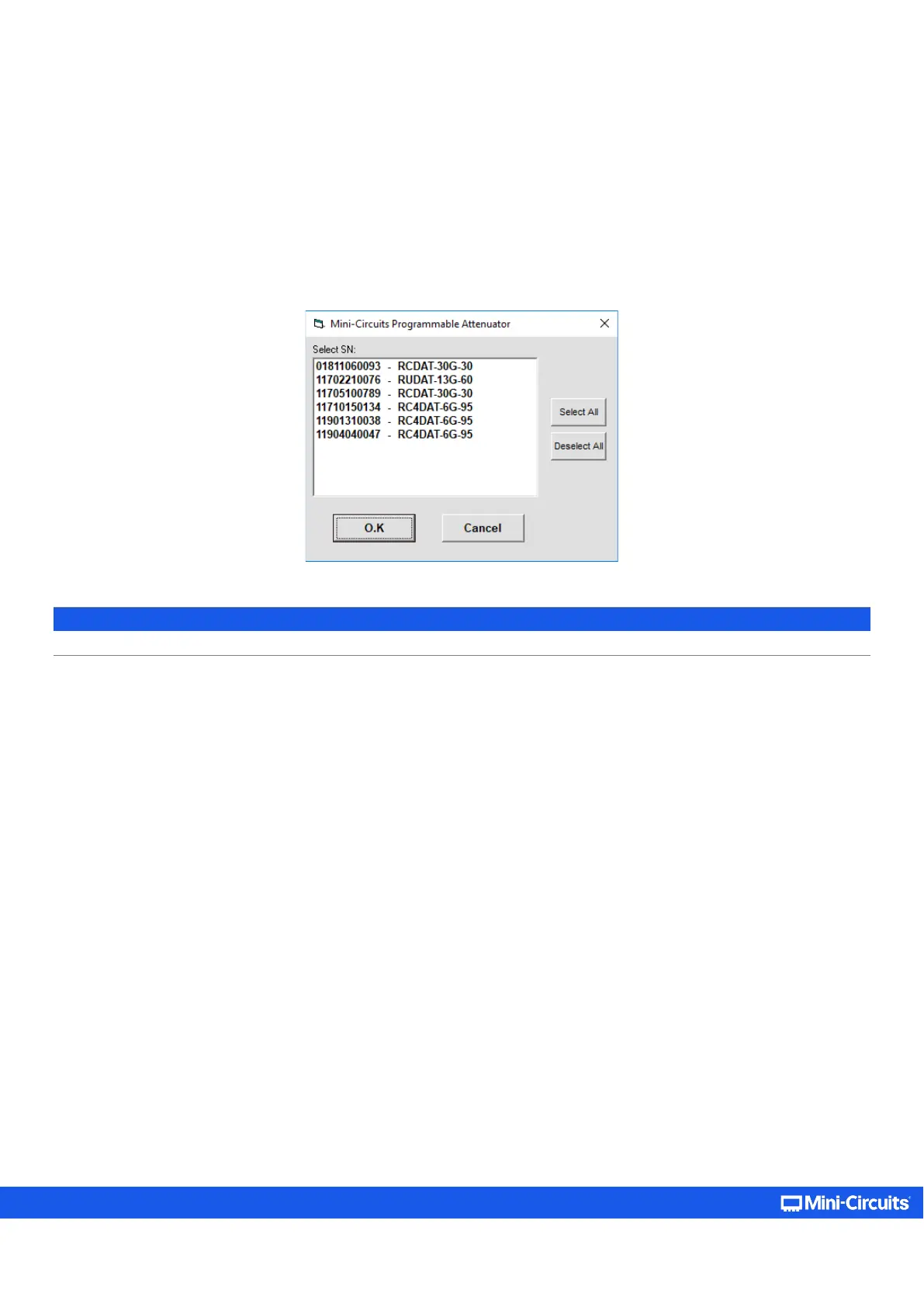
If multiple units are connected to the PC via USB (non- daisy-chain link), the unit selection screen will appear with a list of the
connected models’ serial numbers and model names.
Note:
• The program can handle up to 24 units connected simultaneously.



 To Next Page