AN-49-011 © 2023 Mini-Circuits
Rev. D | ECO-016581 | 25-Jan-2023 Page 22
5.2.6. Log Attenuation
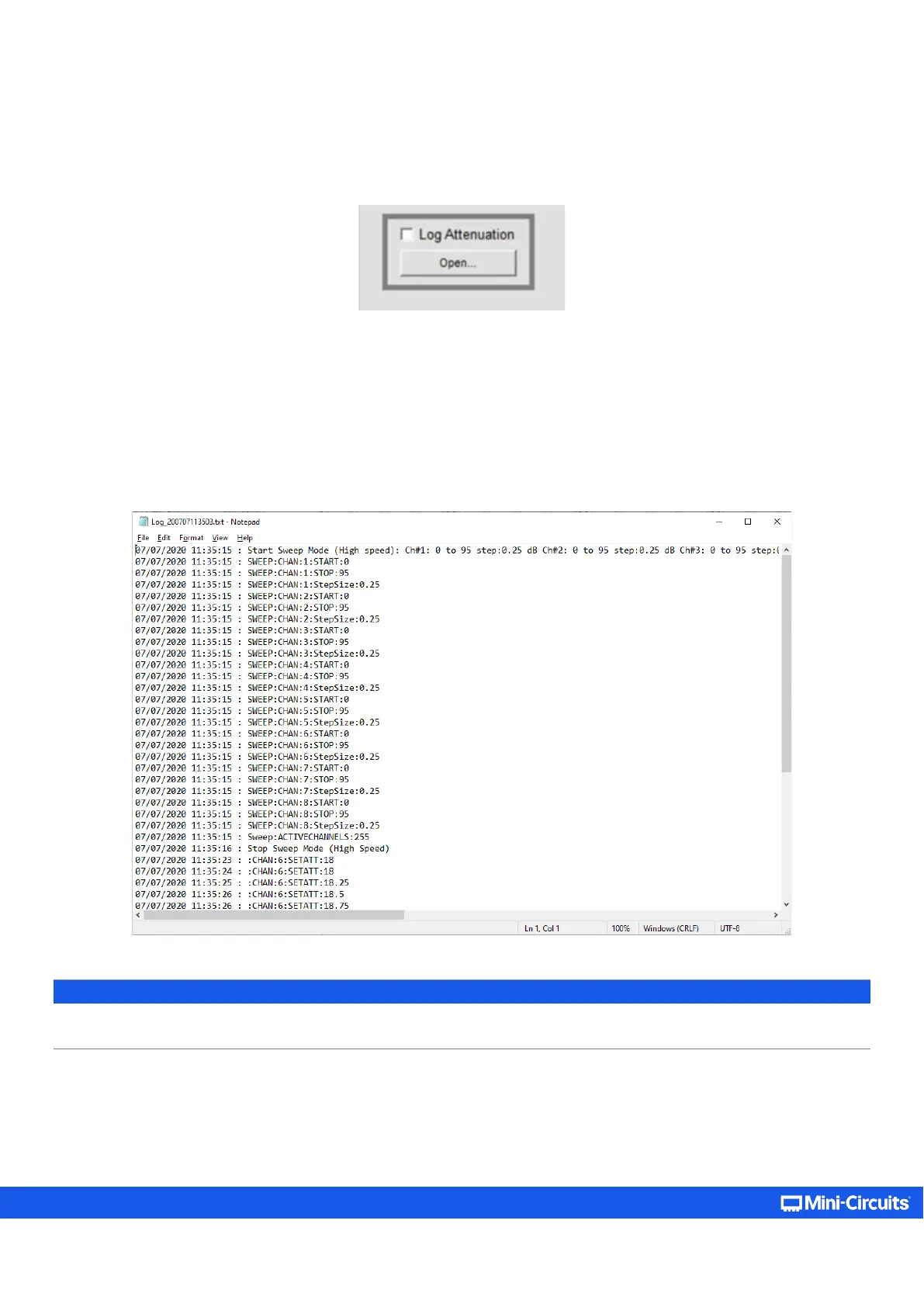
It is possible to record all attenuation changes the unit undergoes by checking the Log Attenuation option (located at the lower
left corner of the GUI).
Upon checking the option, a pop-up will notify the user of the folder location the txt log file will be saved to – which will be in a
sub-directory of the Mini-Circuits folder (where the program has been installed to) “…\ProgrammableAttenuator\Log”.
The log file name format will contain the current date and time in the following format Log_[YYMMDDHHmmss].txt (Red – Current
date in format YYMMDD; Blue – Current time in format HHmmss). For example, a file created on June 24, 2020 at 16:16:55 will be
named “Log_200624161655.
Once unchecked, the log file will be saved properly with all the attenuation changes in the aforementioned folder.
Note:
• Trying to open the file while a recording is on-going will pop-up a notification alert about the last attenuations possibly not
being saved to the file
.



 To Next Page