AN-49-011 © 2023 Mini-Circuits
Rev. D | ECO-016581 | 25-Jan-2023 Page 24
5.3. Ethernet Configuration
5.3.1. Default IP Configuration
Mini-Circuits’ programmable attenuators ship from the factory with DHCP enabled by default so in most cases an IP address will
be assigned automatically when the device is connected to the network. Once a valid IP address has been assigned and
identified it can be re-configured via the Ethernet connection (for example, to set a static IP configuration) using our GUI,
Ethernet configuration tool, or the programming API.
5.3.2. Default Static / “Link-Local” IP Address
A default “link-local” IP address will be assumed when DHCP is enabled if the device does not receive a valid response from a
DHCP server. This also applies when an attenuator with DHCP enabled is connected directly via an Ethernet cable to a PC (instead
of via a network). The default static / link-local IP address for all Mini-Circuits devices with the relevant firmware is 169.254.10.10.
This can be used as a method to configure a specific static IP address for a new device straight out of the box, without resorting
to a USB connection or even Mini-Circuits’ GUI. Just connect the attenuator directly to the PC, open the HTML Ethernet
configuration tool (see section 5.3.6), connect to the attenuator using the 169.254.10.10 default IP and proceed to set the new
configuration as needed.
Note:
• This feature requires firmware H7 or later for attenuators with the current controller and firmware F1 or later for attenuators
with the legacy controller. Refer to section 5.8 to determine which controller is present in your device by serial number.
5.3.3. Recovery of IP Configuration via USB
If at any time an Ethernet connection cannot be established (for example, if the current IP address is not valid on the network)
then the settings can always be reset by connecting to the device using USB and the GUI or programming API.
5.3.4. Default Factory Setting
Default factory settings for RCDAT models are Dynamic IP (DHCP) using port 80 for HTTP or port 23 for Telnet (see Figure 5.3.5).
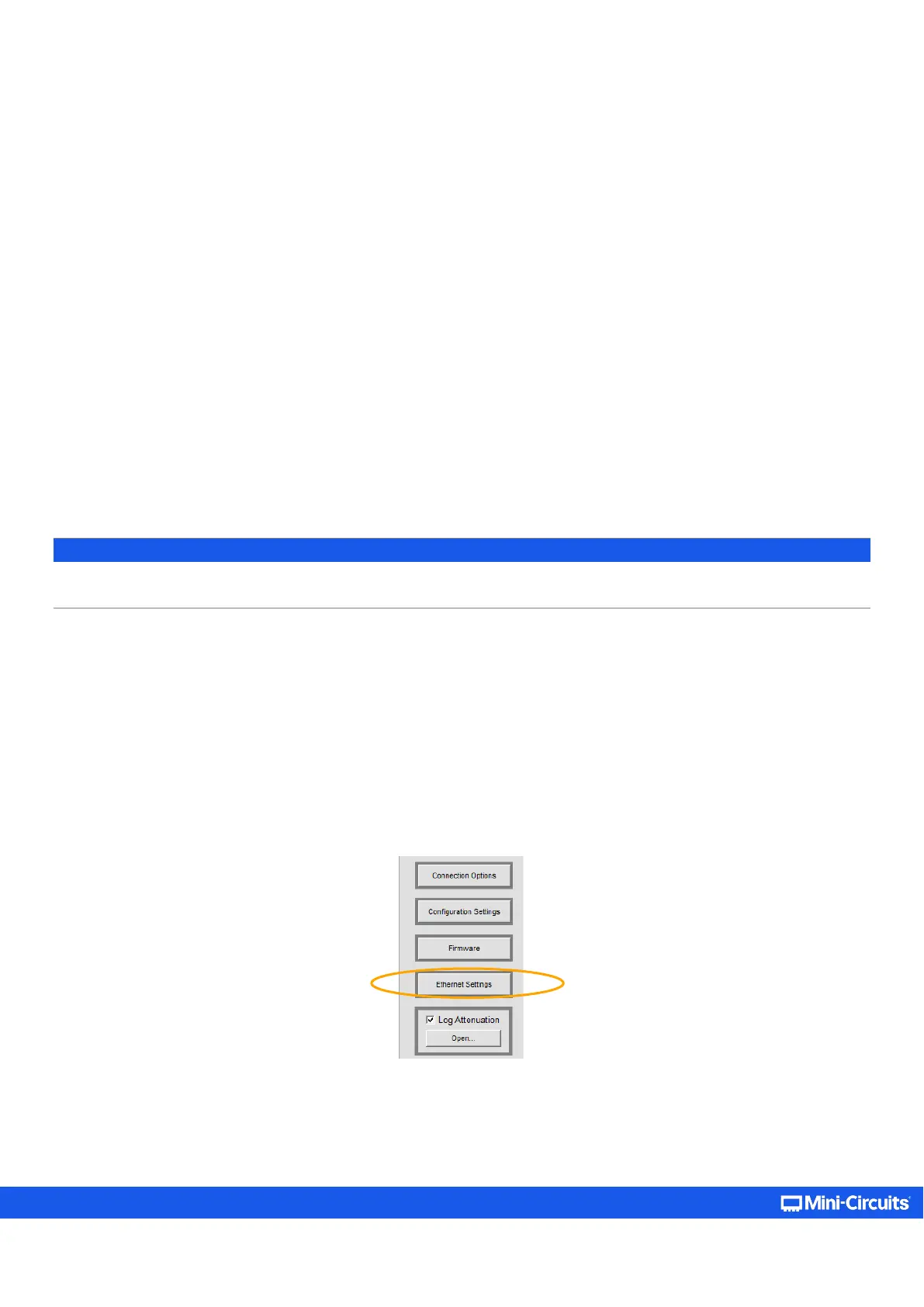
To change these settings, click on the Ethernet Settings button in the GUI, or use Mini-Circuits’ Ethernet configuration tool (see
section 5.3.6).



 To Next Page