AN-49-011 © 2023 Mini-Circuits
Rev. D | ECO-016581 | 25-Jan-2023 Page 36
5.8.2. Recovery Steps (Legacy Controller)
Follow the below recovery steps for models with the legacy micro-controller (refer to table in section 5.8 to determine your unit’s
controller):
• Connect the unit to the PC via USB.
• Start Mini-Circuits’ Programmable Attenuator GUI program and allow it time to attempt and establish a connection with the
unit.
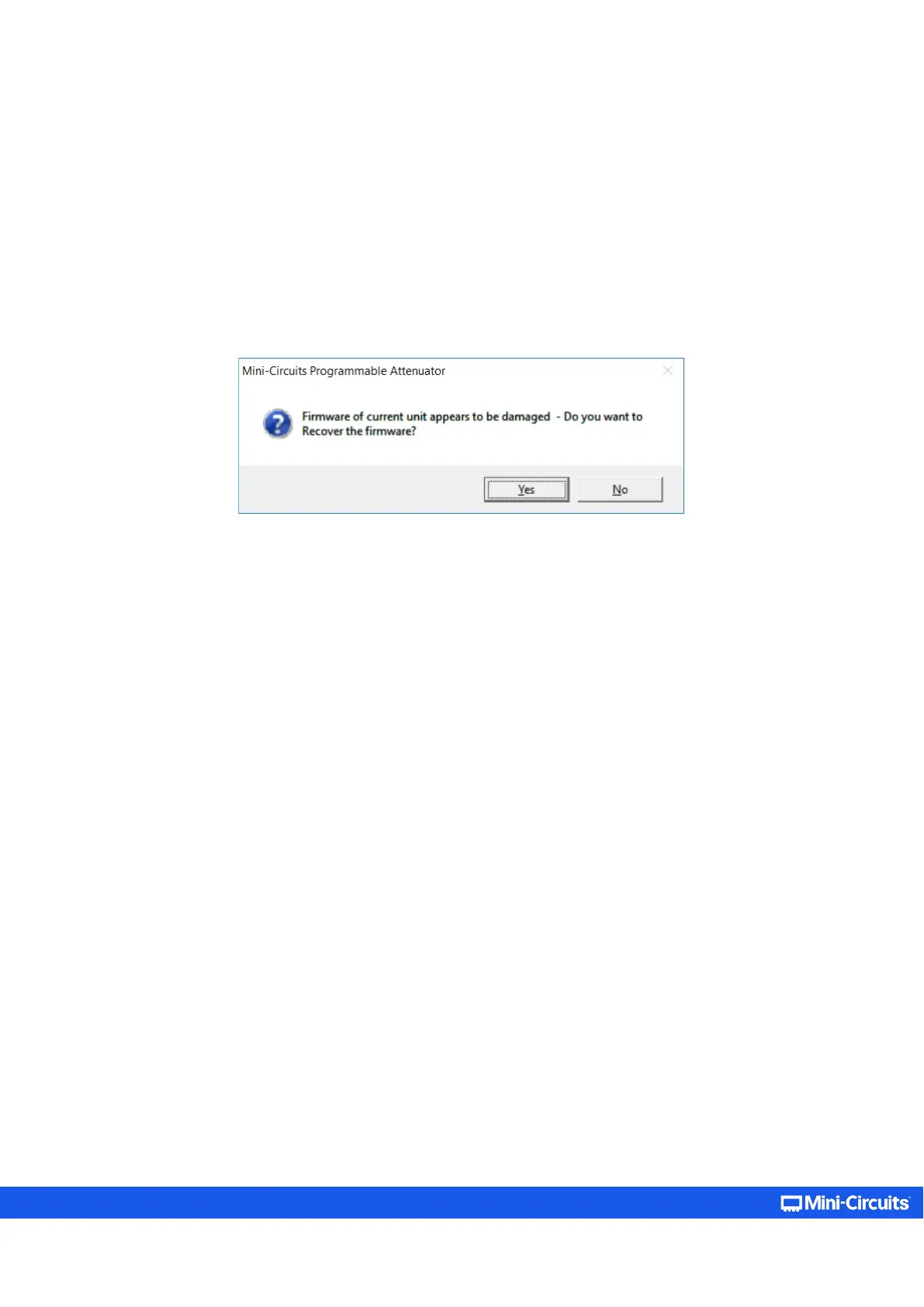
• If the connection attempt has failed, an alert would appear advising the user of a corrupt firmware.
• Click Yes to proceed with the firmware recovery and refer to section 5.7.2 on how to proceed.
Figure 5.8.2: A corrupted firmware alert



 To Next Page