AN-49-011 © 2023 Mini-Circuits
Rev. D | ECO-016581 | 25-Jan-2023 Page 32
5.6. Pop-up Alerts
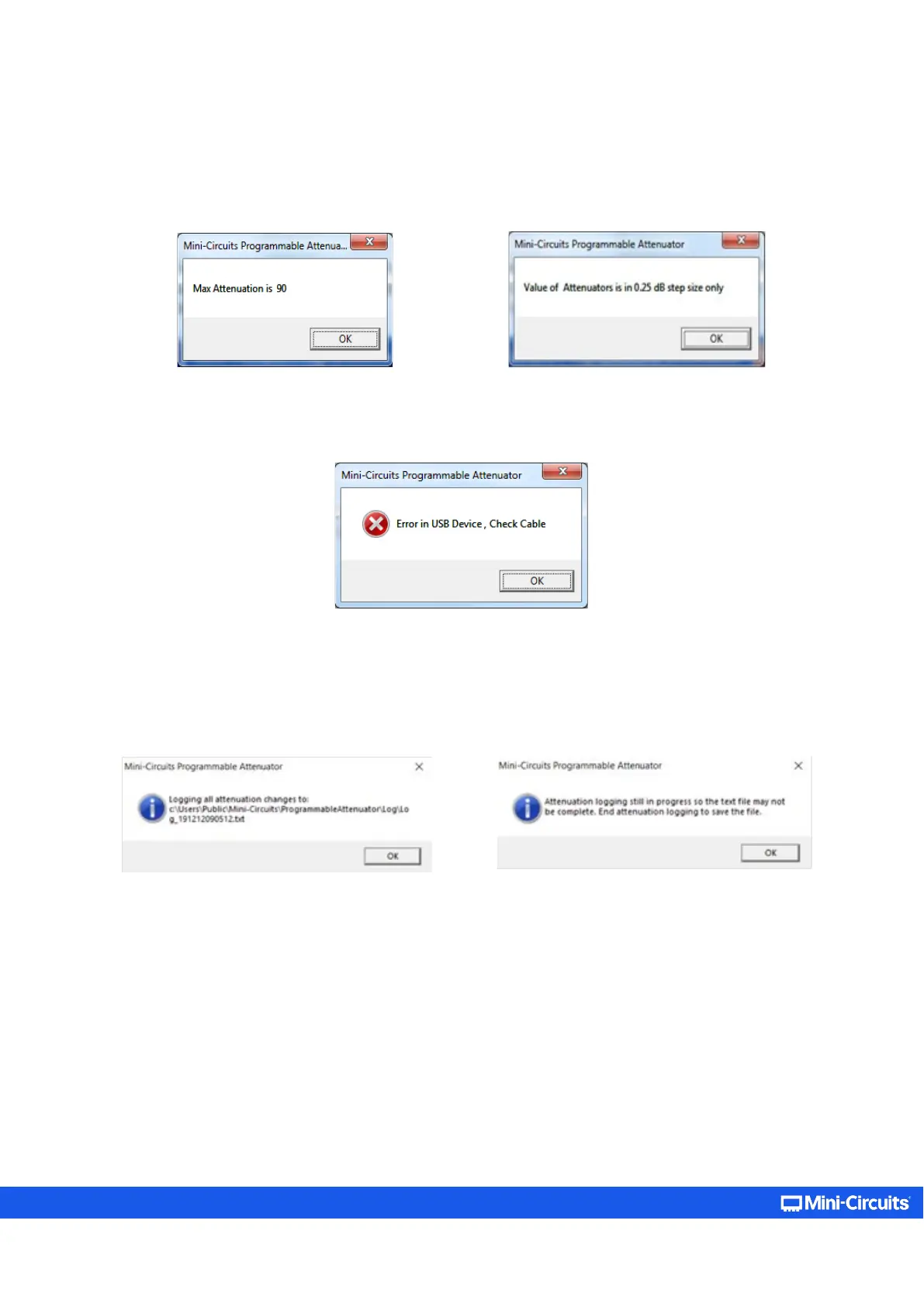
If you type an attenuation value the attenuator cannot meet – either too large a number, or resolution too fine for the attenuator
model, an alert will pop up and the attenuation setting will not change. Click OK to dismiss the alert and enter a valid attenuation
value.
Figure 5.6a: Value too large for model Figure 5.6b: Resolution too fine for model
If the attenuator is disconnected during operation or experiences a problem with the power supply an alert will pop up. Click OK
to close the program and check the power and data connections to the unit before restarting the program.
Figure 5.6c: Data or power disconnected alert
Checking/Un-checking the Log Attenuation option will pop-up an alert notifying the user of the location of the txt file log when
enabling and disabling the logging operation. An alert will also pop-up if a user tries to open the log file mid recording. Clicking OK
on either will dismiss the alert.
Figure 5.6d: Start/end of logging alert Figure 5.6e: Mid-recording alert
The programmable attenuator models can also be controlled automatically using most common lab test software and the provided
DLL files, or your own custom programs. For more information on this see the Programming Guide available for download at
https://www.minicircuits.com/softwaredownload/patt.html



 To Next Page