3 System Settings
Your device initially has its default settings. You can customize the settings to
suit your personal nee
ds. Once you change the settings, the settings will remain
till the next changes.
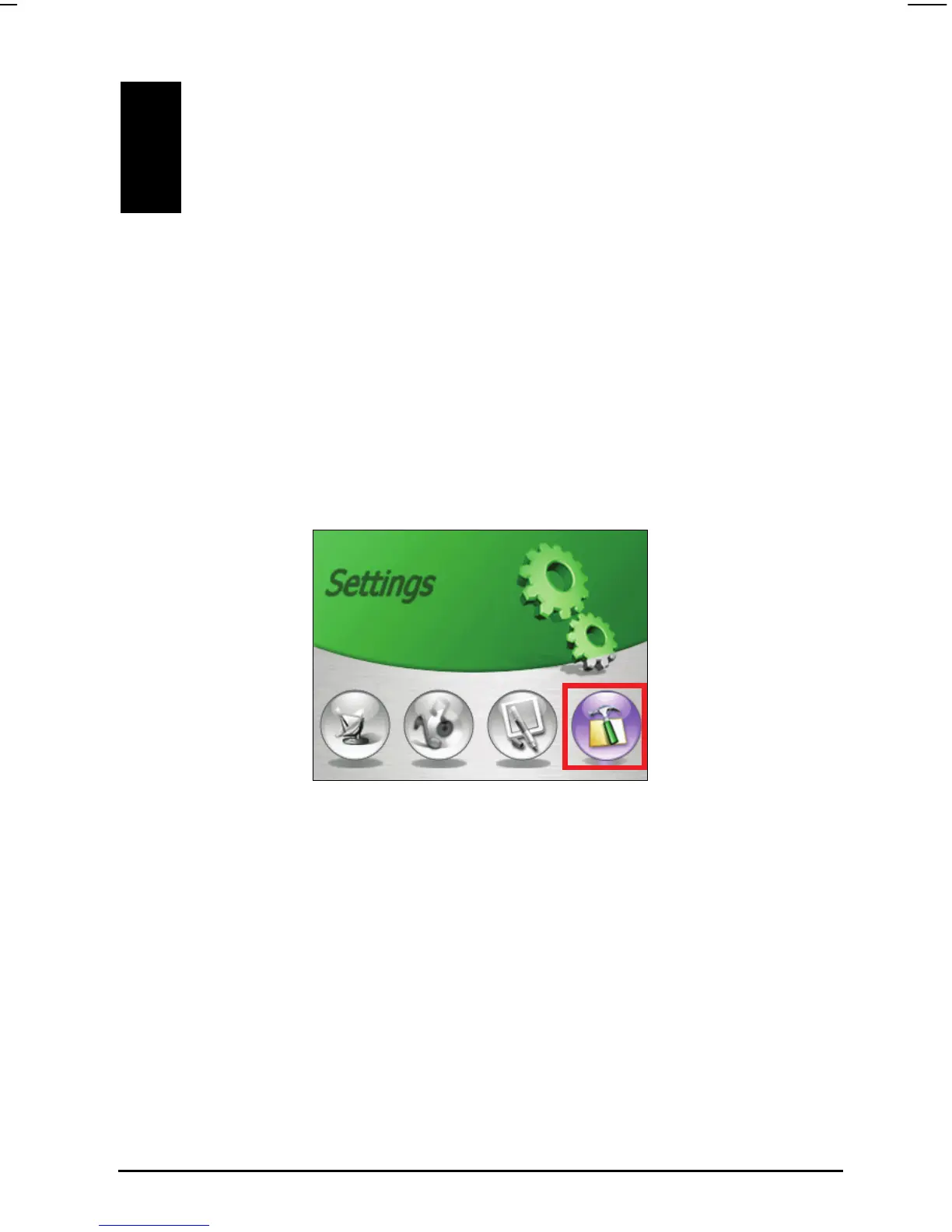
To open the Se e Home screen.
3.1 Using System Settings
ttings screen, tap the Settings button on th
appear as shown below. The
following sections describe these seven buttons.
The Settings screen containing seven buttons will
19



 To Next Page