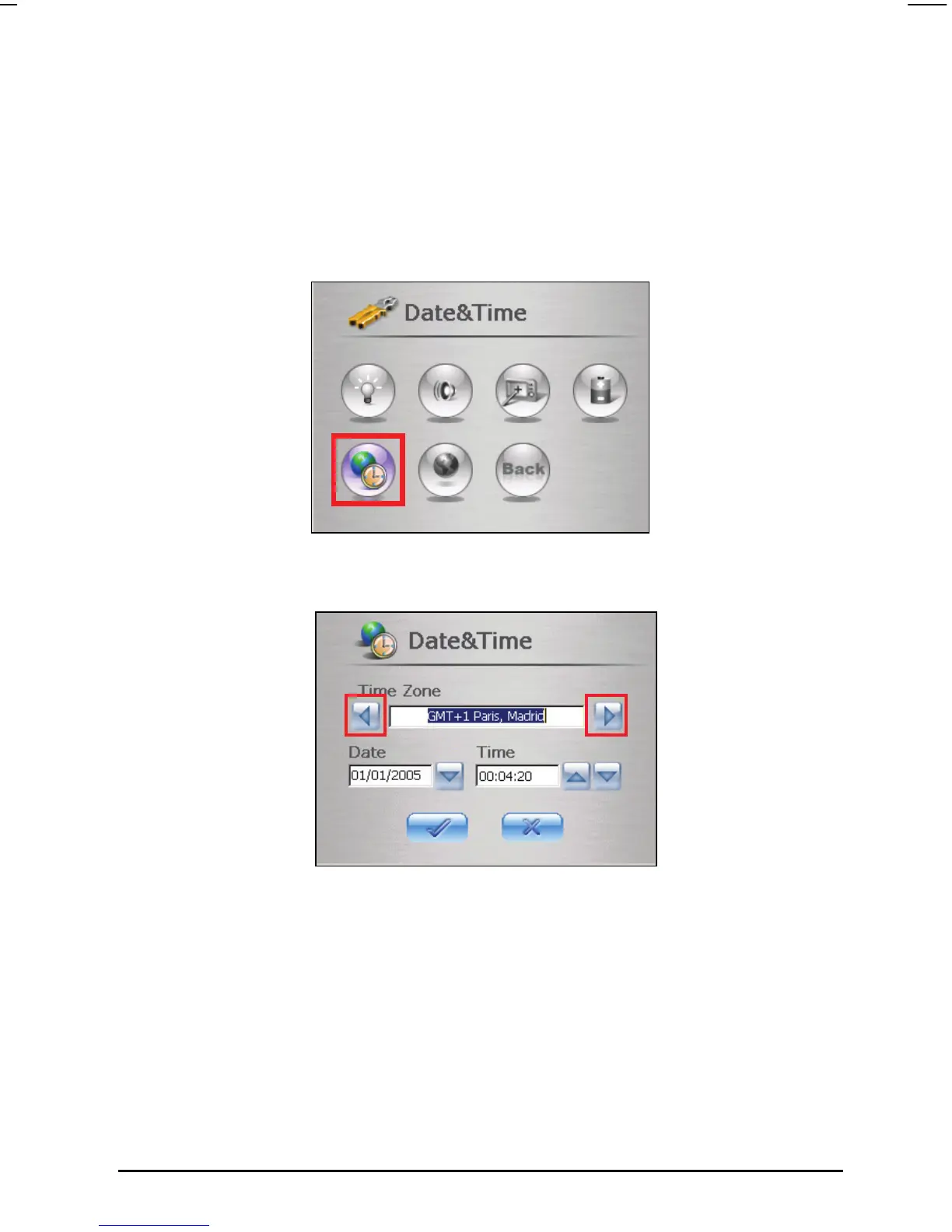
3.6 Date&Time
To set the date and time:
1. Tap the
Settings button on the Home screen.
2. Tap the
Date&Time button.
3. To change the time zone, tap the left or right arrow in the Time Zone.
4. To change the date, tap the down arrow next to the Date box. A calendar
will pop up showing day, month and year. Tap the left arrow on the
calendar to go to the earlier month and year or the right arrow to the later
month and year. Alternatively, you can tap the month or year on top of the
calendar to directly change the month or year.
When the calendar shows the current month and year, tap the date on the
calendar.
25



 To Next Page