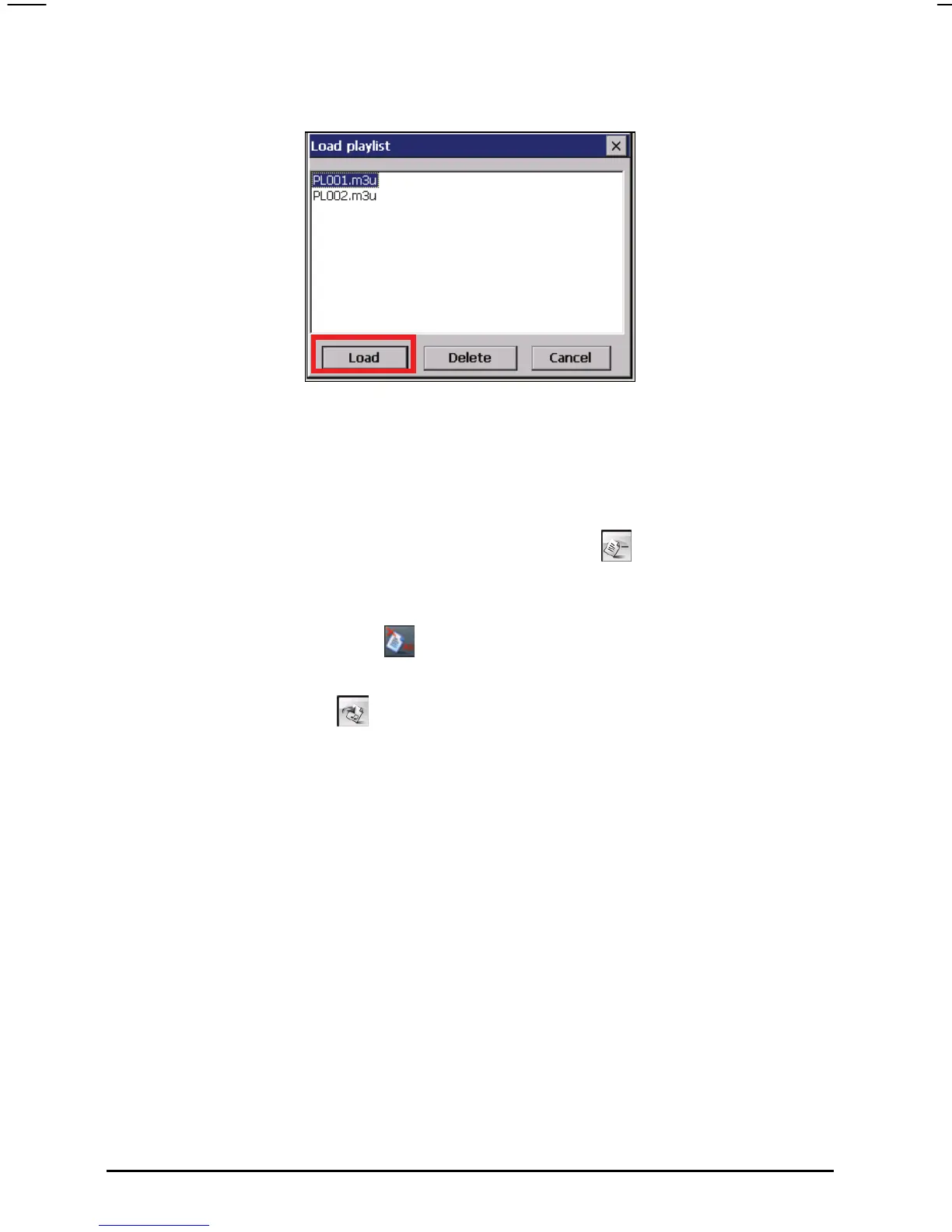
3. Tap the play list you want to open and tap Load.
Managing Your Play Lists
When you have opened a play list, you can edit or remove the list.
To remove a song from the list:
Tap the song and then tap the Delete Song button
at the bottom of the
screen.
To remove all songs from the list:
Tap the Delete All button
on the right toolbar.
To delete a play list:
Tap the Load button
at the bottom of the screen. Tap the play list you
wish to delete and then tap
Delete.
44



 To Next Page