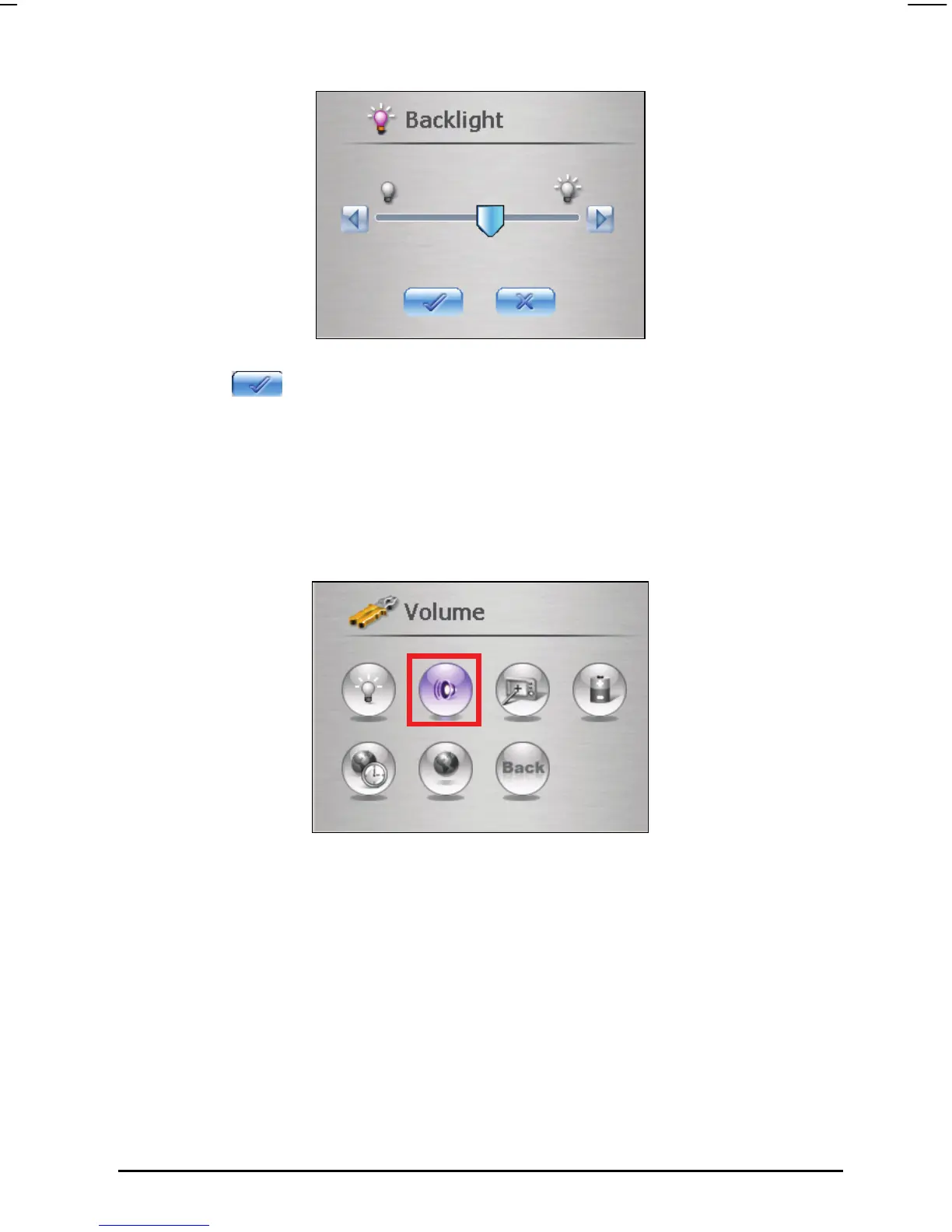
4. Tap the
button to save the changes and go back to the Settings screen.
3.3 Volume
1. Tap the Settings button on the Home screen.
2. Tap the
Volume button on the Settings screen.
3. Move the slider along the track bar for the adjustment. To turn down the
volume, move the slider to the left. To turn up the volume, move the slider
to the right.
21



 To Next Page