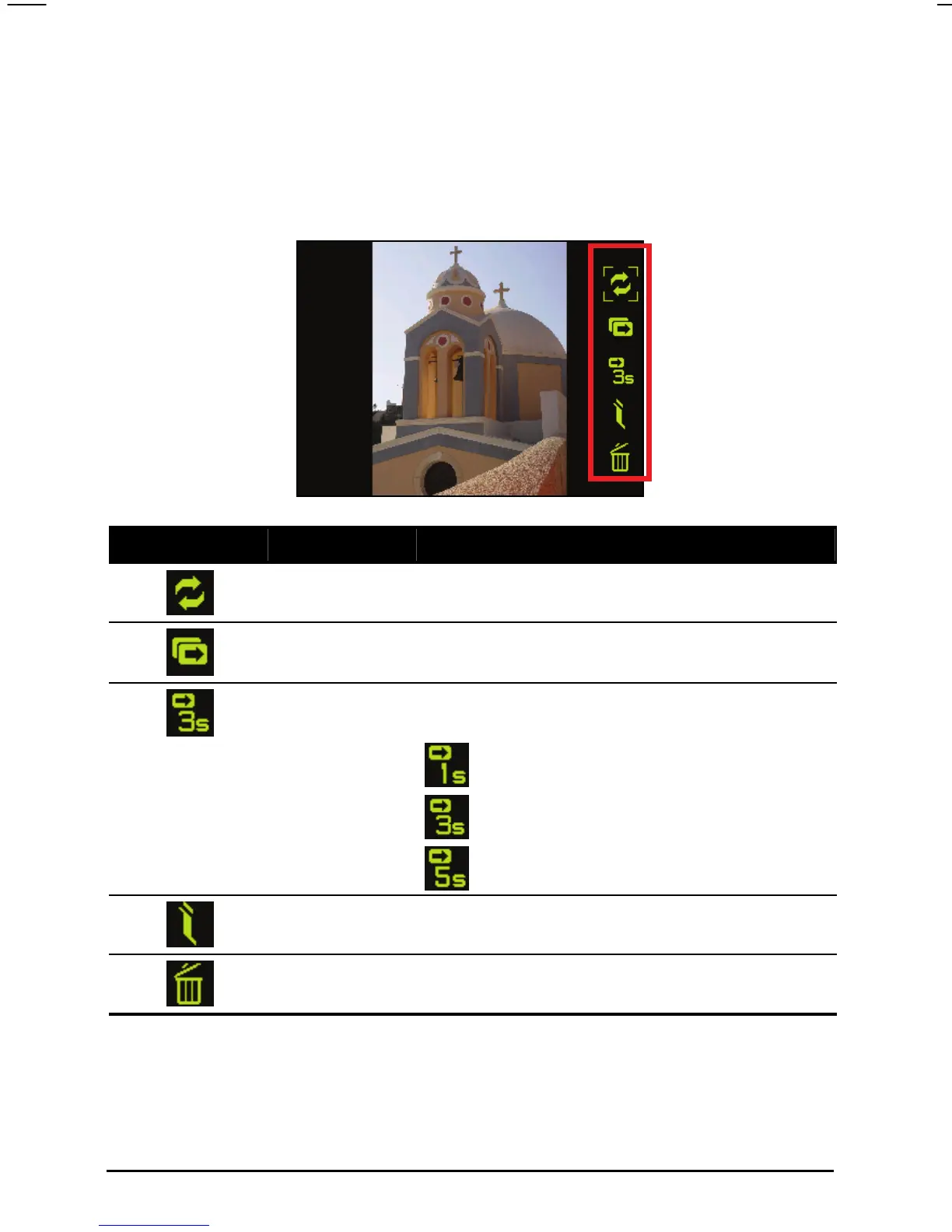
On-Screen Control Buttons
Tap anywhere on a picture screen. The on-screen control panel will appear
providing you with five buttons for various tasks. See the table below for the
details.
Control Button Name Description
Transfer
Transfers images between the device hard disk
and the storage card.
Slideshow Opens the slideshow.
Interval
Sets the intervals of the slideshow. You can set
the intervals as following:
Fast
Normal
Slow
Information
Displays the image title and the modified date of
an image.
Delete
Deletes the current image.
50



 To Next Page