9.2 Clearing the Memory
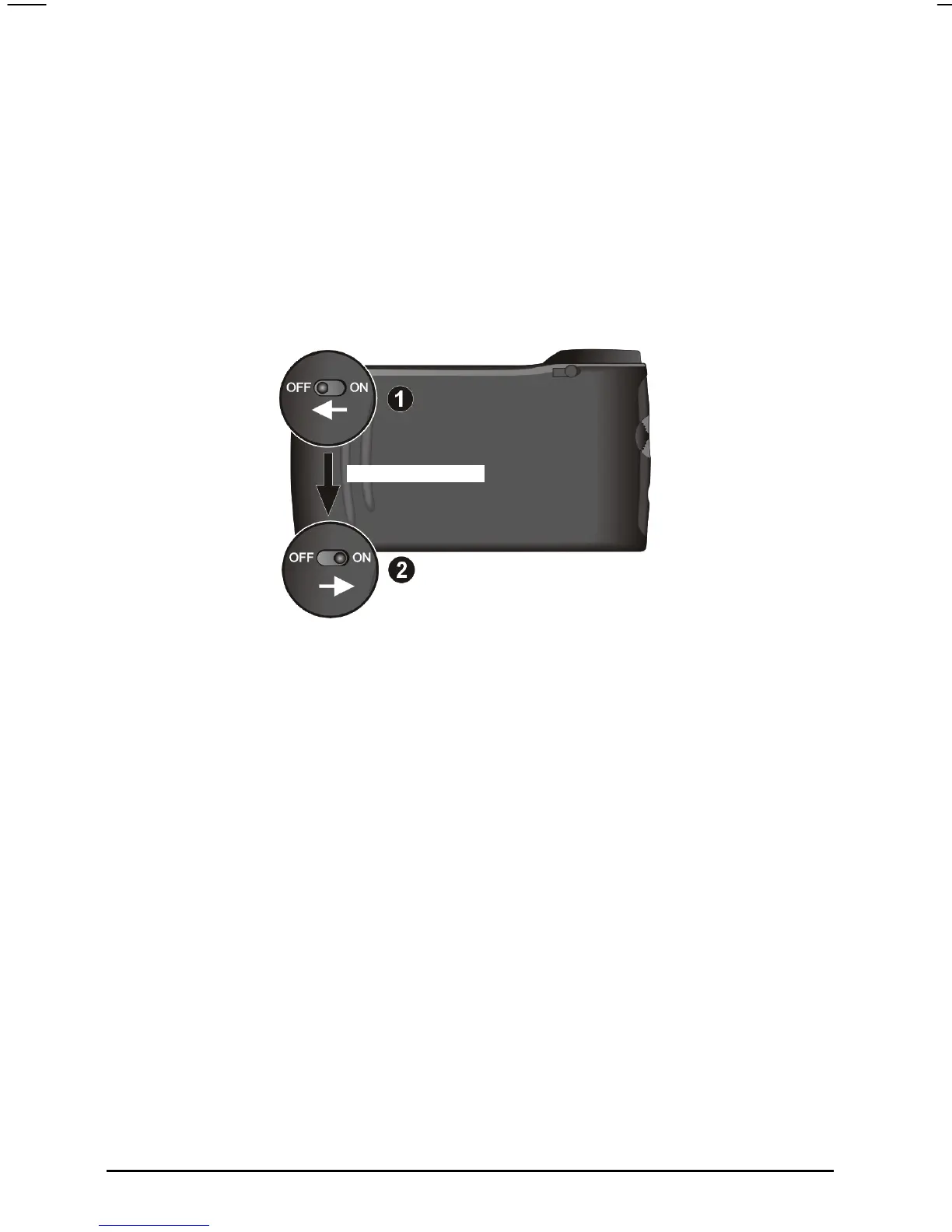
If your device still does not respond after being reset, you can use the following
steps to clear the memory.
1. Disconnect all cables, including the AC adapter, from your device.
2. Use the stylus to slide the ON/OFF switch to the OFF (left) position.
3. Wait for 1 minute and then slide the switch back to the ON (right) position.
Wait for 1 minute.
4. Your device will perform the initial start up. (See Section 1.1 for
information.)
9.3 Troubleshooting
Power Problems
Power does not turn on when using battery power
The remaining battery power may be too low to run your device. Connect
the AC adapter to your device and to external AC power. Then, turn on your
device.
70



 To Next Page