8 Calculator
This chapter tells you how to use Calculator to perform b
d measure.
asic arithmetic and
convert currency an
u
ese modes to perform basic arithmetic and convert currency and
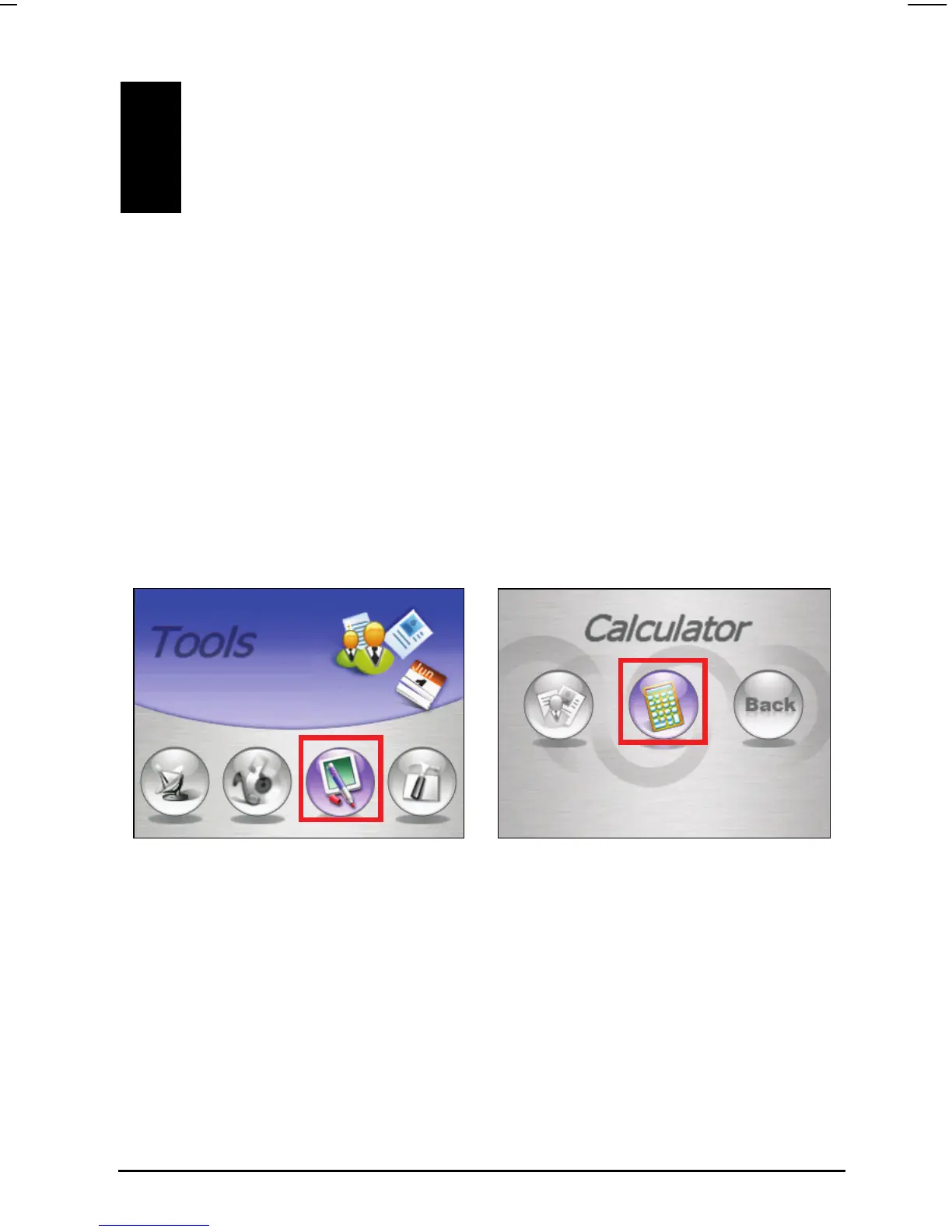
Tap
Tools Calculator to start Calculator.
8.1 Starting and Exiting Calculator
Calculator provides three modes: Calculator, Currency, and Metrology. Yo
can use th
measure.
to another mode, tap one of the
top right corner of the screen.
You will see the calculator screen. To switch
buttons at the
61



 To Next Page