6.5 Viewing a Slideshow
You can view a slideshow of all your pictures on your device hard drive or on a
storage card. You can use the following ways to start the slideshow.
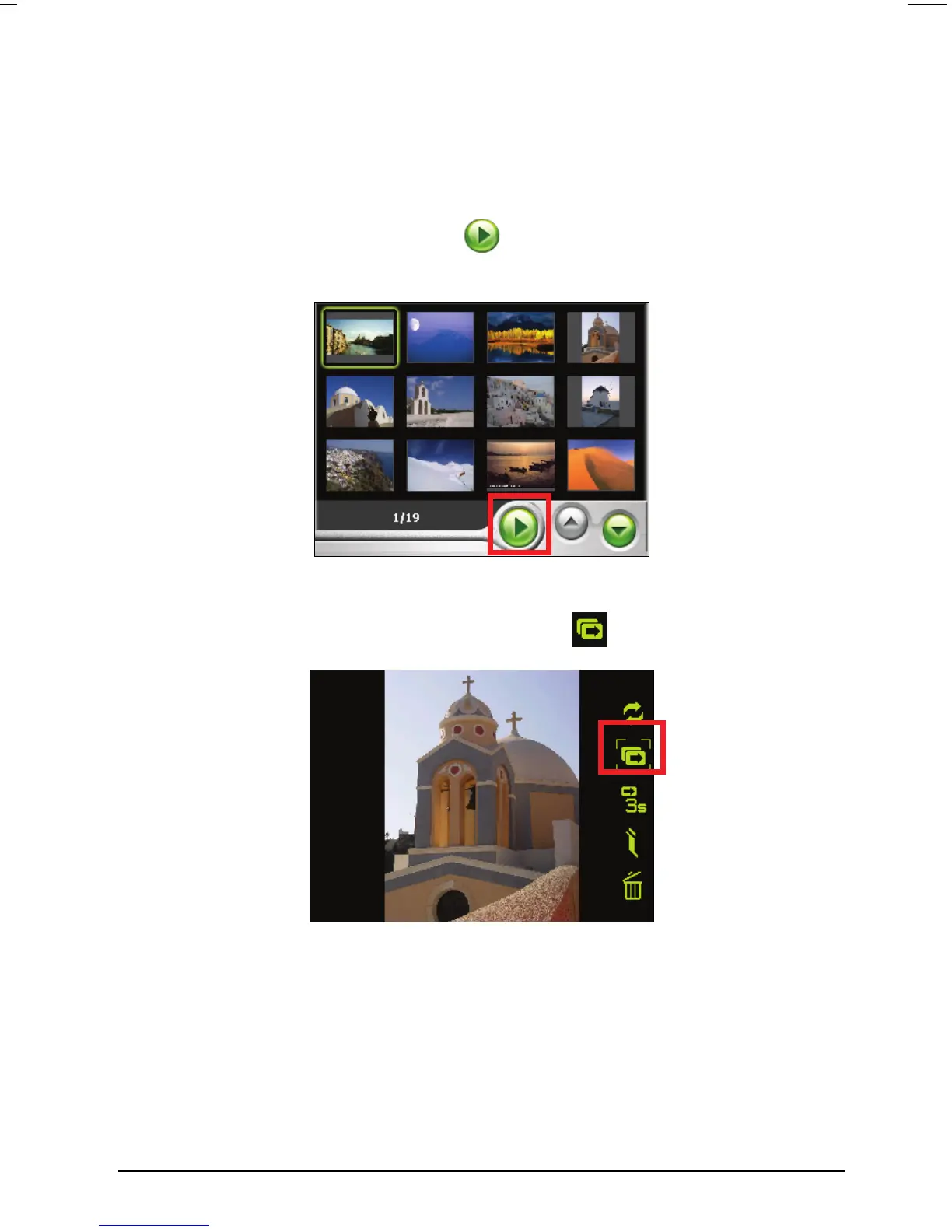
When in thumbnail view, tap the button at the bottom to start the
slideshow.
When in full screen, tap anywhere on a picture to display the on-screen
control panel. Then tap the Slideshow button
to start the playback.
When the slideshow indicator is shown at the bottom left of the screen, the
slideshow will start. You can also set the interval time for the slideshow. (See
later section for details.)
51



 To Next Page