6 Picture Viewer
This chapter tells yo our device.
, GIF and BMP formats and
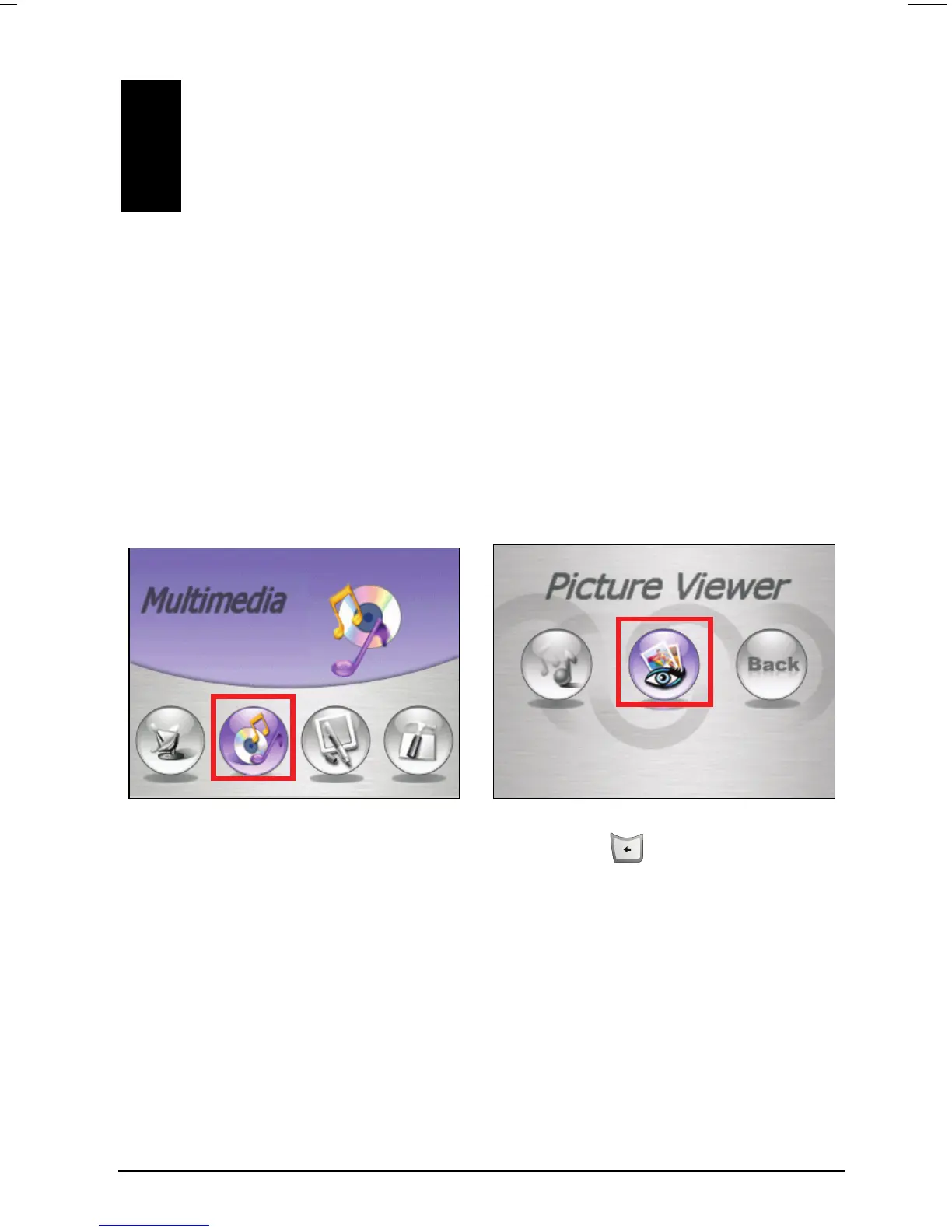
Tap
Multimedia Picture to start the Picture Viewer program.
u how to view pictures or photos on y
6.1 Starting and Exiting Picture Viewer
Picture Viewer allows you to view pictures in JPEG
view the slideshow of the pictures on your device.
To exit Picture Viewer, simply press the Back button
on the device.
your computer to the correct directory
(See Section 4.3 for more instructions.)
6.2 Preparing the Pictures on Your Device
Before viewing the pictures, you need to have the picture files ready on the
device hard drive or on a storage card. You can use “Picture Assistant” of Mio
Transfer to easily copy the pictures from
47



 To Next Page