7.3 Displaying the Contacts Summary Screen
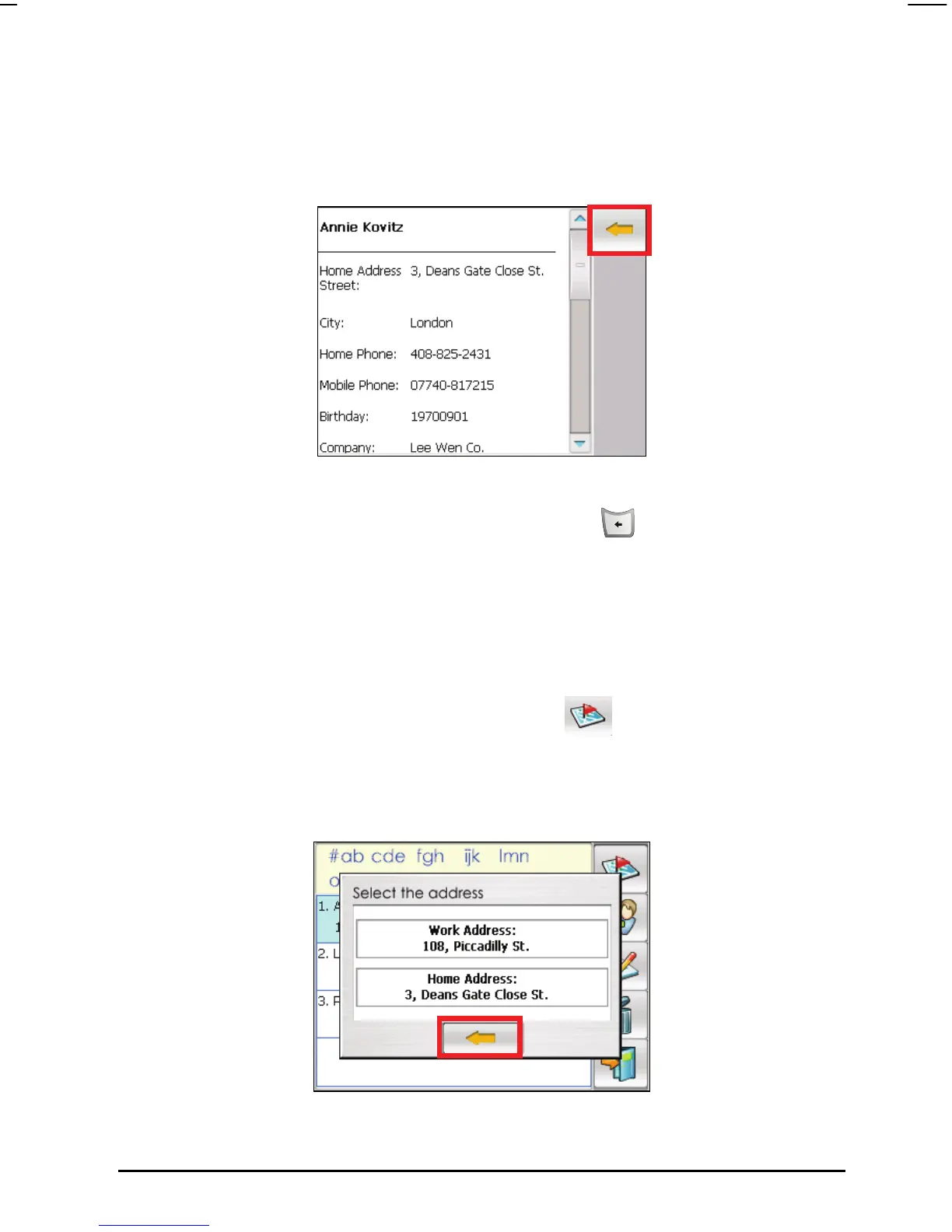
Double tap a contact in the contact list to display the summary screen of a
contact.
To exit the contacts summary screen, tap the arrow button on the upper right
corner of the screen or simply press the
Back button
on the device.
7.4 Navigating to Your Contact Address
You can set a contact address as your destination. The system will directly link
to the navigation program and start the navigation.
1. Select a contact from the contact list and tap
on the upper right corner
of the contact list screen.
2. When the address screen appears, select an address from the contact and tap
the arrow button to continue.
59



 To Next Page