6.6 Managing Your Pictures
Displaying Picture Information
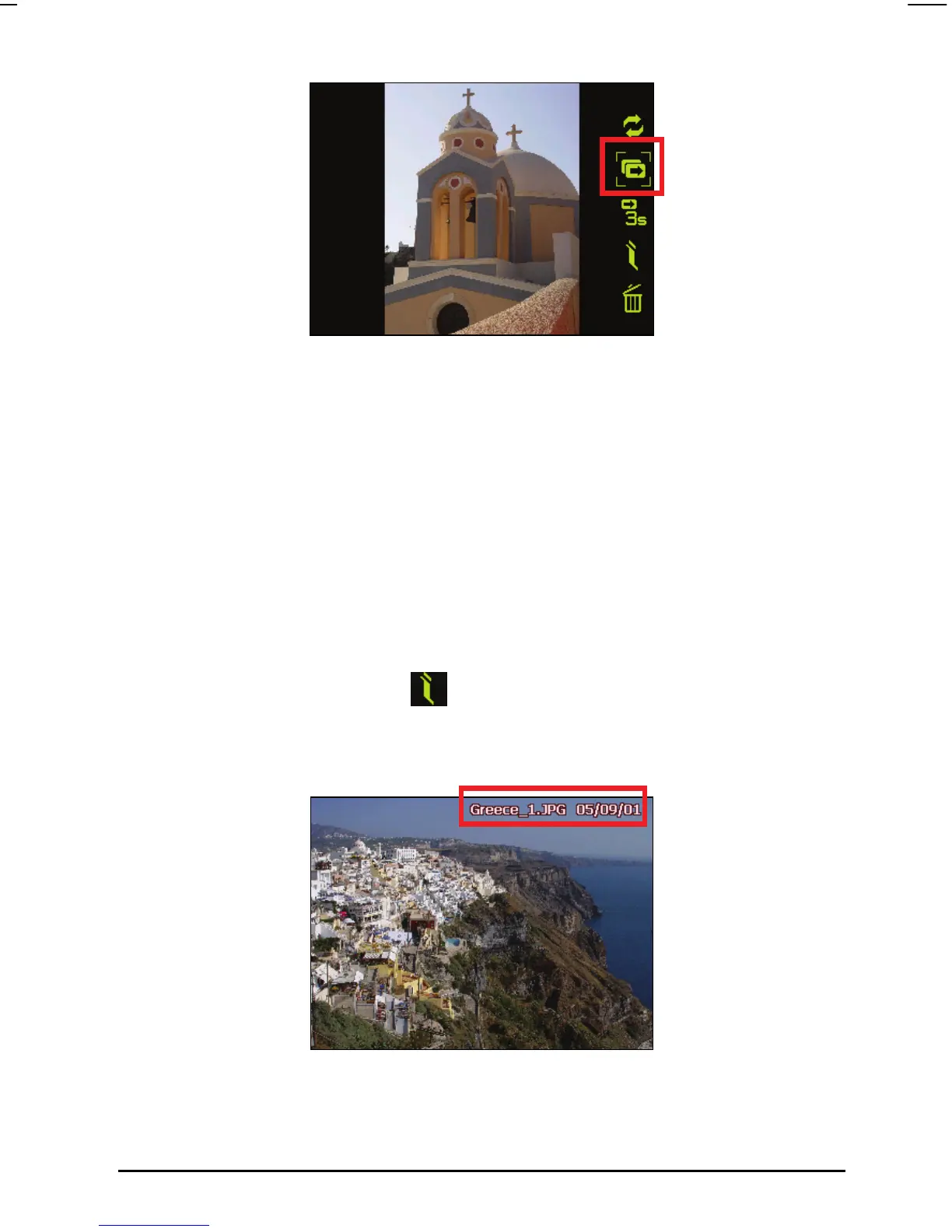
Picture Viewer allows you to display file name and modified date of a picture
while viewing picture full screen or viewing slideshow. To display the picture
information:
1. Tap anywhere on the picture screen until the on-screen control buttons
appear.
2. Tap the Information button
on the on-screen control panel.
3. You can start viewing pictures with file name and modified date displayed
on top of the screen.
53



 To Next Page