NOTE: The language options available will depend on your region of purchase.
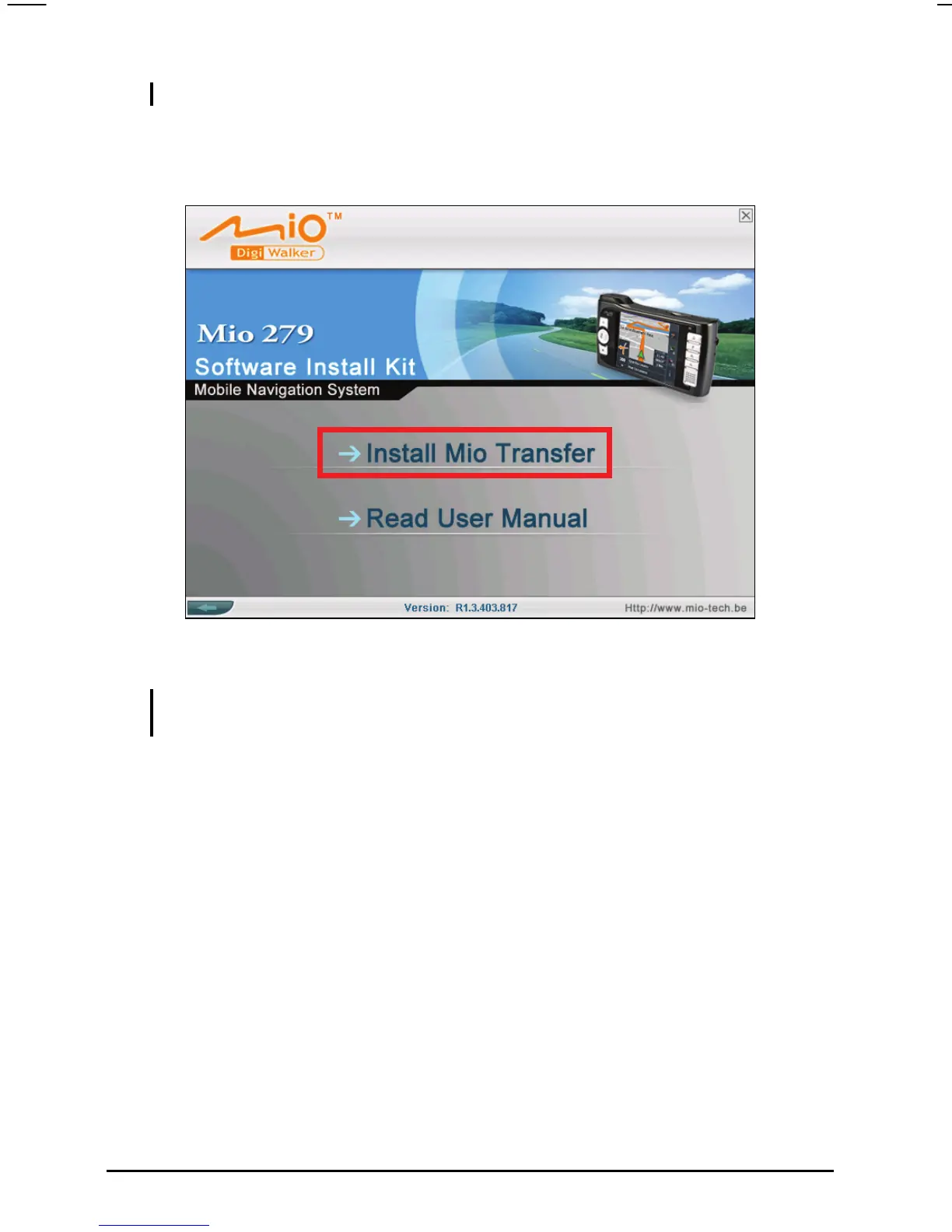
3. Tap Install Mio Transfer. (If the Installing screen does not appear, double click
the Setup.exe file in the folder “\Install\Mio Transfer\” of the CD.)
4. Follow the onscreen instructions to complete the installation.
NOTE: If Mio Transfer has already been installed on your PC, clicking Installl Mio
Transfer will remove the application from your system.
30



 To Next Page