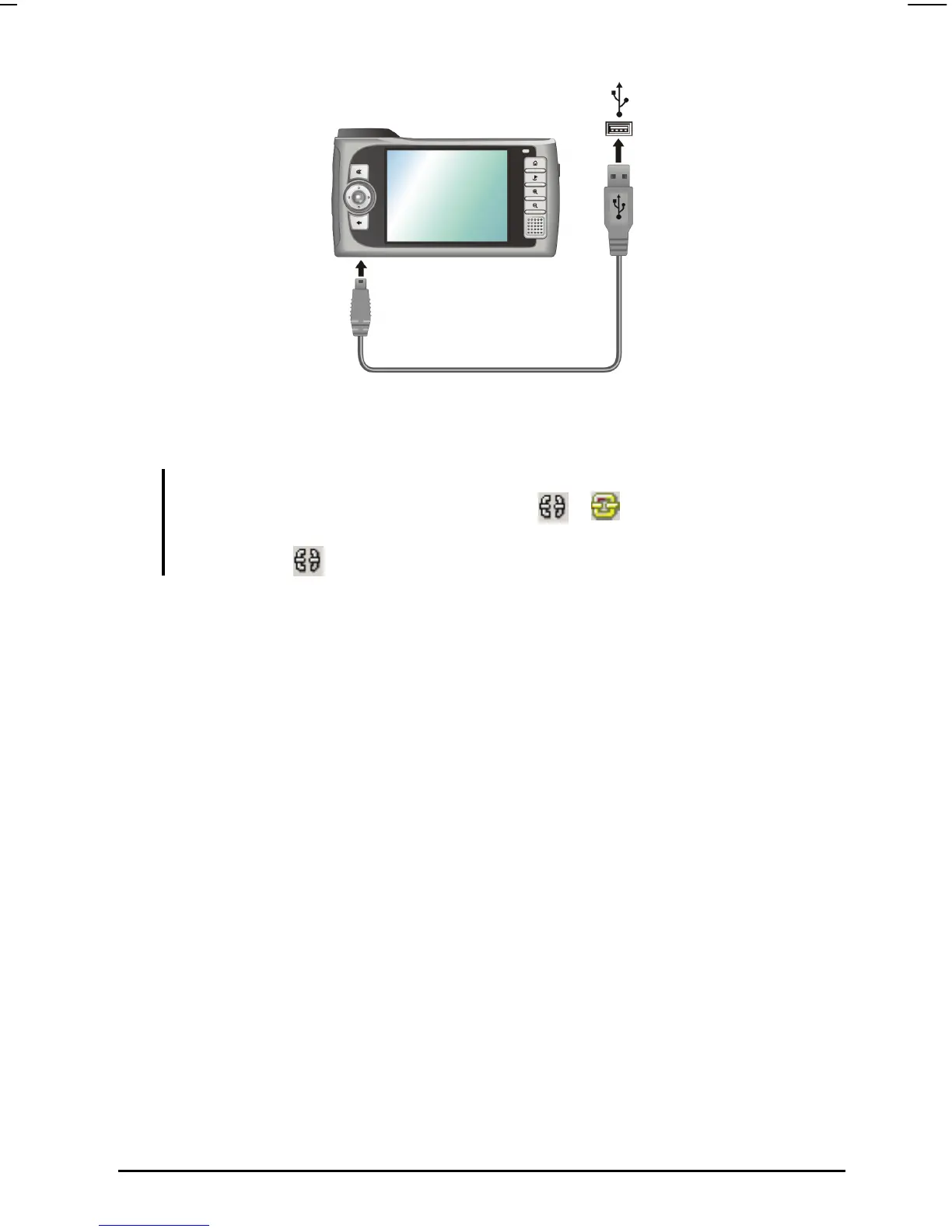
3. Start Mio Transfer by clicking
Mio Transfer icon on the Windows Desktop.
The Mio Transfer screen appears.
NOTE: When connecting your computer and your device, the status icon on the lower right
corner of the Windows Desktop will change from
to
indicating that the connection
is successfully established. If you uplug the USB cable from your device, the icon will
change back to .
4. Click Recover on the top menu bar.
5. Insert the Mio Map CD into the CD-ROM drive of your computer.
6. Click
Start to start the recovering process. The status bar will show the
progress of file recovery.
37



 To Next Page