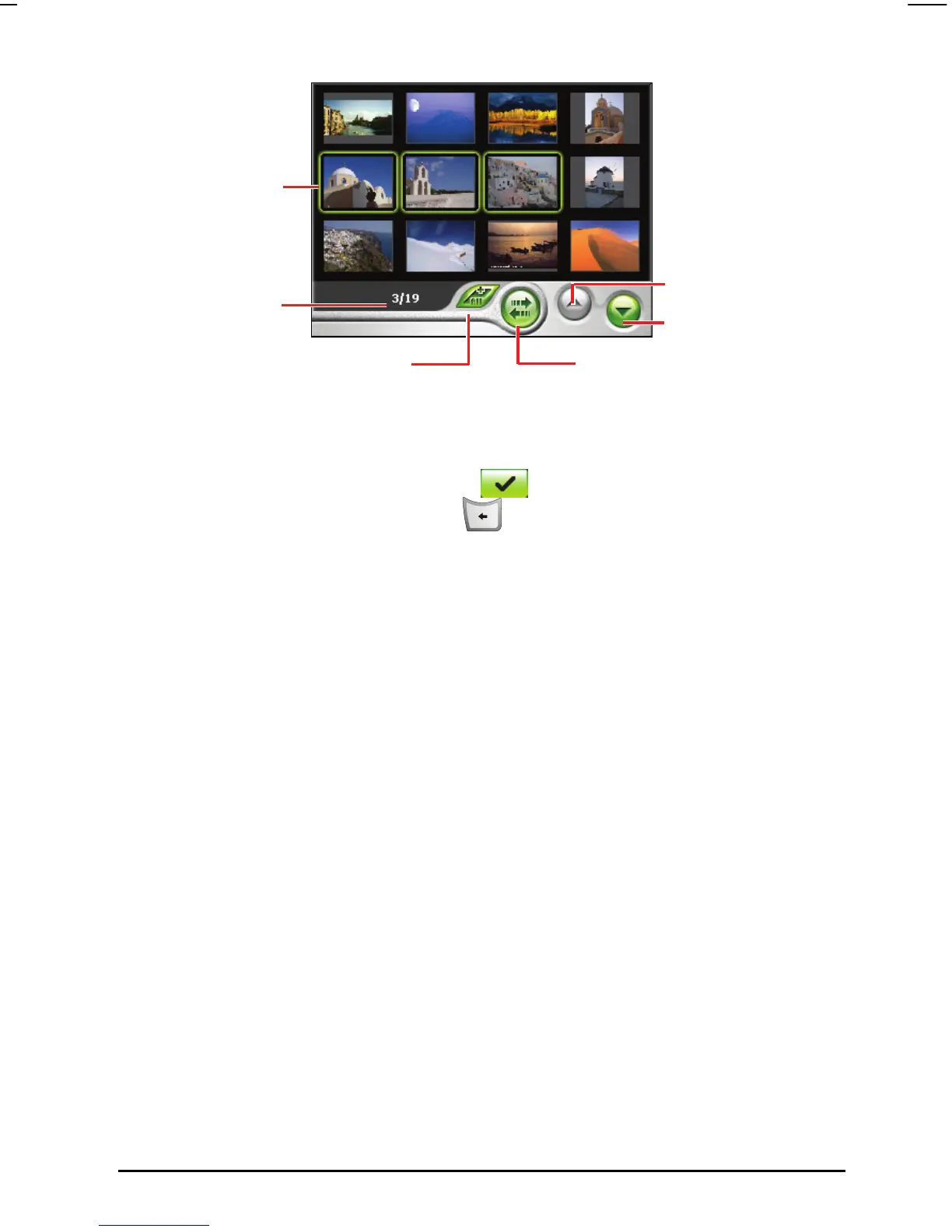
Page up
Page down
Transfer button
A green color frame
indicates the images
selected
Select all images
Selected file/
Total number of files
5. After selecting the images, tap
Transfer button to start the file transfer.
6. A status bar will show to indicate the progress of the transfer.
7. Once the transfer is completed, tap
to go back to the images preview
screen and press the Back button
three times to go back to the
thumbnail screen.
55



 To Next Page