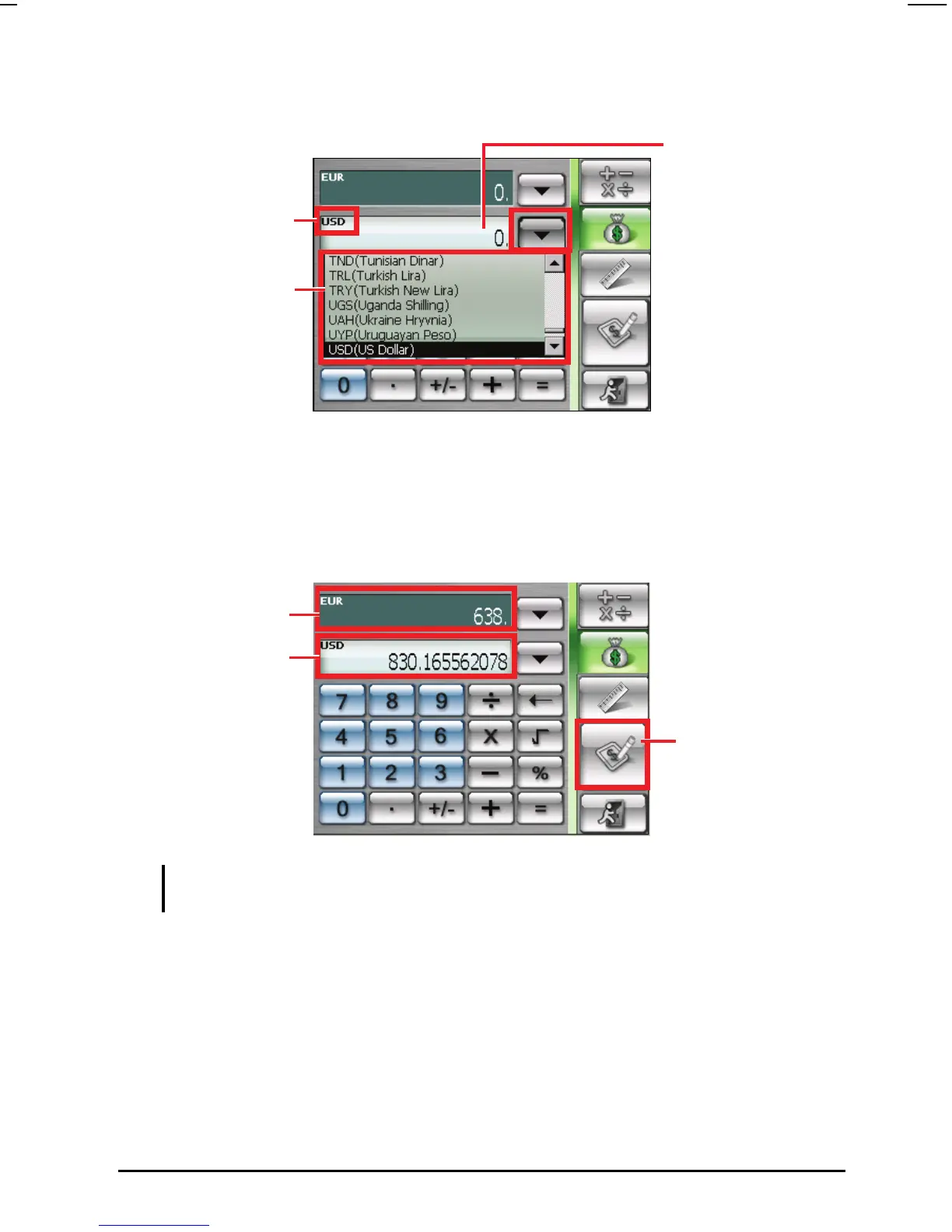
abbreviation of the currency will be displayed on the upper left corner of the
output field.
5. Enter the currency value in the input field by tapping the number buttons on
the numeric keypad. You can also perform basic arithmetic in the input
field.
The converted currency immediately appears in the output field.
Currency scroll lis
Currency indicato
Input valu
Output value
Output field
Tap to go to the editing
screen.
NOTE: The program uses the default exchange rates unless you change them. (See the
sub-section below for information.)
65



 To Next Page