Mitel 6873i SIP Phone Release 4.2.0 SP2 User Guide
12
GETTING STARTED
The 6873i must be set up and be configured prior to its first use. This section describes phone
behavior and start up screens you may see when the phone is first plugged in, or when it is
restarted.
PLUGGING IN AND STARTING THE PHONE
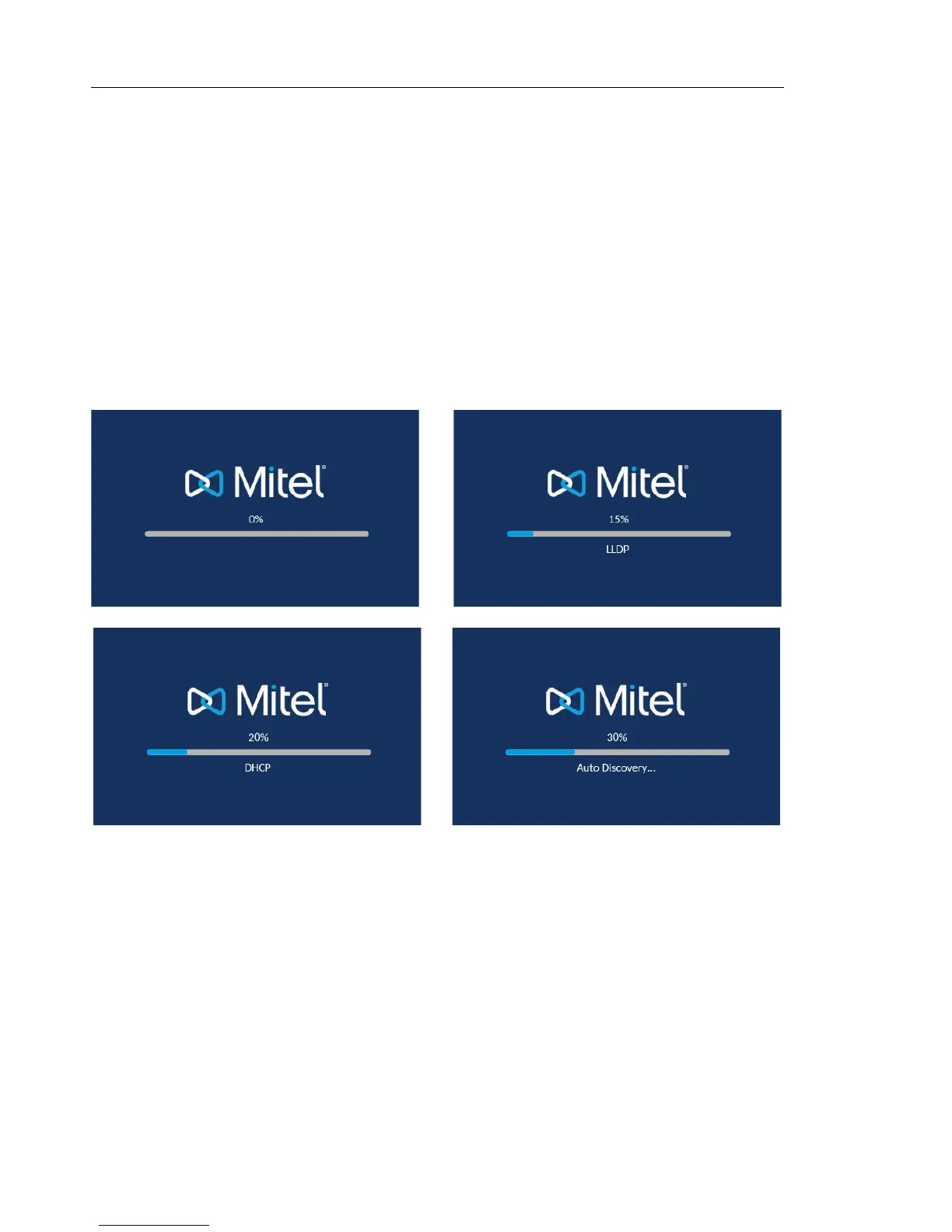
The 6873i automatically begins the start up sequence as soon as it is connected. The phone
goes through this process the first time you plug in your phone and every time you restart your
phone.
The phone displays the following startup screens.



 To Next Page