Mitel 6873i SIP Phone Release 4.2.0 SP2 User Guide
72
CALL FORWARD
LOCK
PASSWORD
This category allows you to change the user password for your phone. Changing your password
ensures that only you can alter your phone settings and helps keep your system secure. You
can change your user password using the IP phone UI or the Mitel Web UI.
Setting a User Password Using the IP Phone UI
1. Press on the phone to enter the Options List.
2. Press the Lock icon.
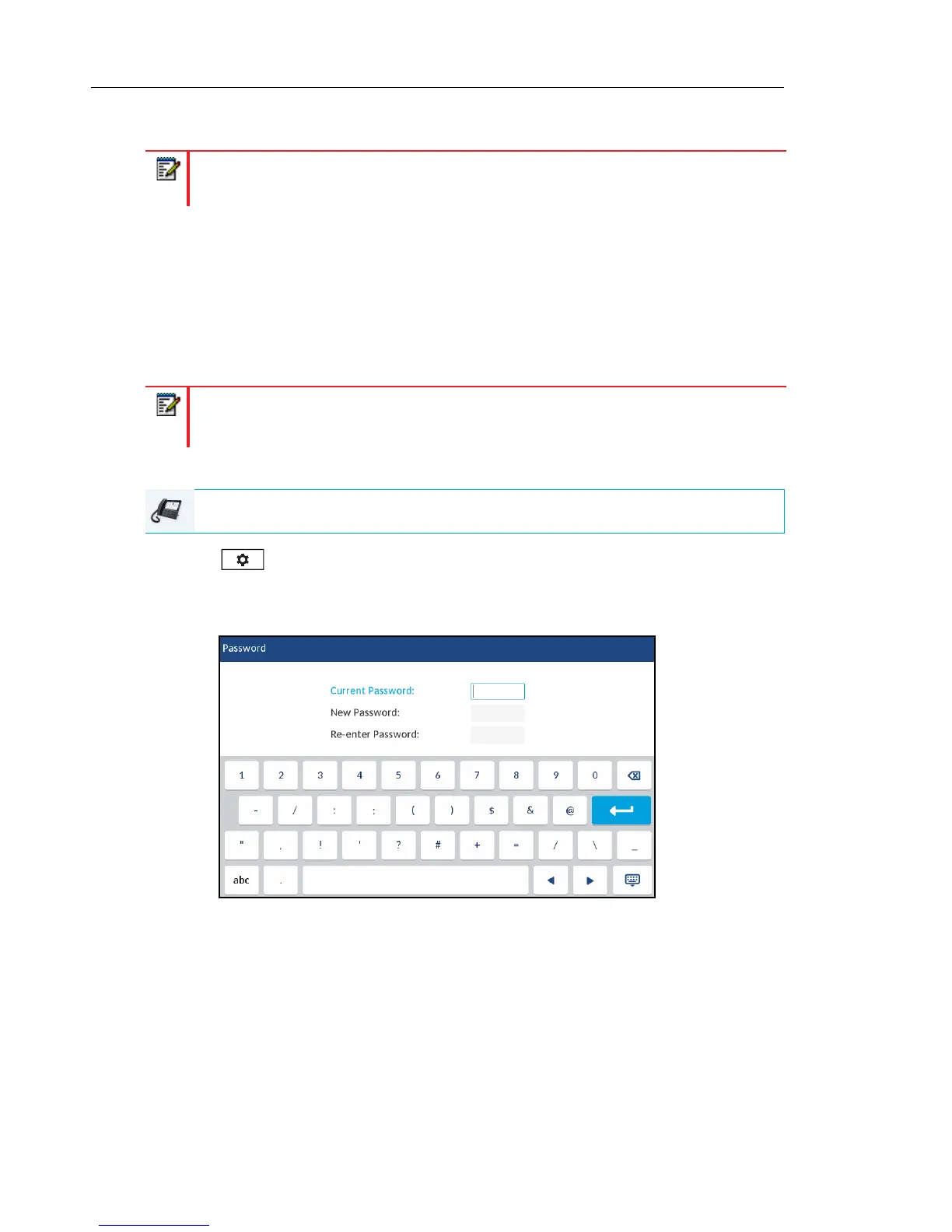
3. Press the Password icon.
4. In the Current Password: field, enter the current user password.
5. In the New Password: field, enter the new user password.
6. In the Re-enter Password: field, re-enter the new user password.
7. Press the Save softkey to save your changes.
A Password Changed confirmation message displays on the screen.
Note: For Call Forward information and configuration details, see “Call Forward
Configuration” on page 205.
Note: Valid values when creating or changing a password are 0 to 4294967295 (integers
only; symbols and alpha characters are not allowed). The default password is an empty
string (i.e. leave the field blank).
IP PHONE UI



 To Next Page