Mitel 6873i SIP Phone Release 4.2.0 SP2 User Guide
62
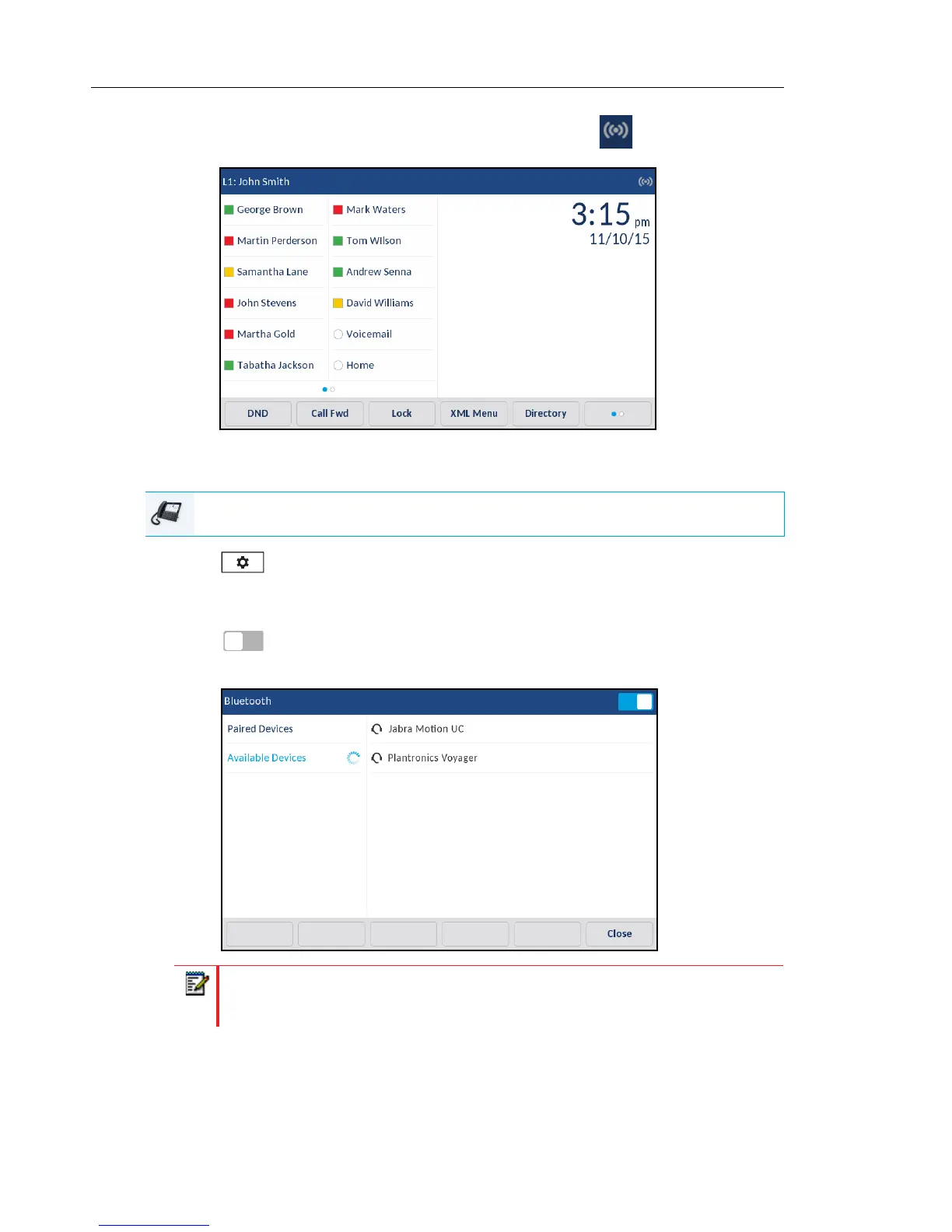
When Bluetooth functionality is enabled, a Bluetooth enabled icon appears in the status
bar on the Home screen.
PAIRING A BLUETOOTH HEADSET
1. Press on the phone to enter the Options List.
2. Press the Bluetooth icon.
3. Ensure Bluetooth functionality is enabled. If it is not enabled, swipe the Bluetooth toggle
switch to the right.
4. Press Available Devices.
IP PHONE UI
Note: The 6873i continually scans for supported Bluetooth headsets when enabled.
Refer to the respective Bluetooth headset documentation for pairing procedures
that must be performed on your Bluetooth headset.



 To Next Page