Customizing Your Phone
61
BLUETOOTH
The 6873i supports the use of a Bluetooth headset as an alternate headset device. Using the
phone UI, you can enable and disable the Bluetooth functionality on your phone as required.
You can also pair, connect, and unpair a Bluetooth headset as applicable.
ENABLING AND DISABLING BLUETOOTH FUNCTIONALITY
1. Press on the phone to enter the Options List.
2. Press the Bluetooth icon.
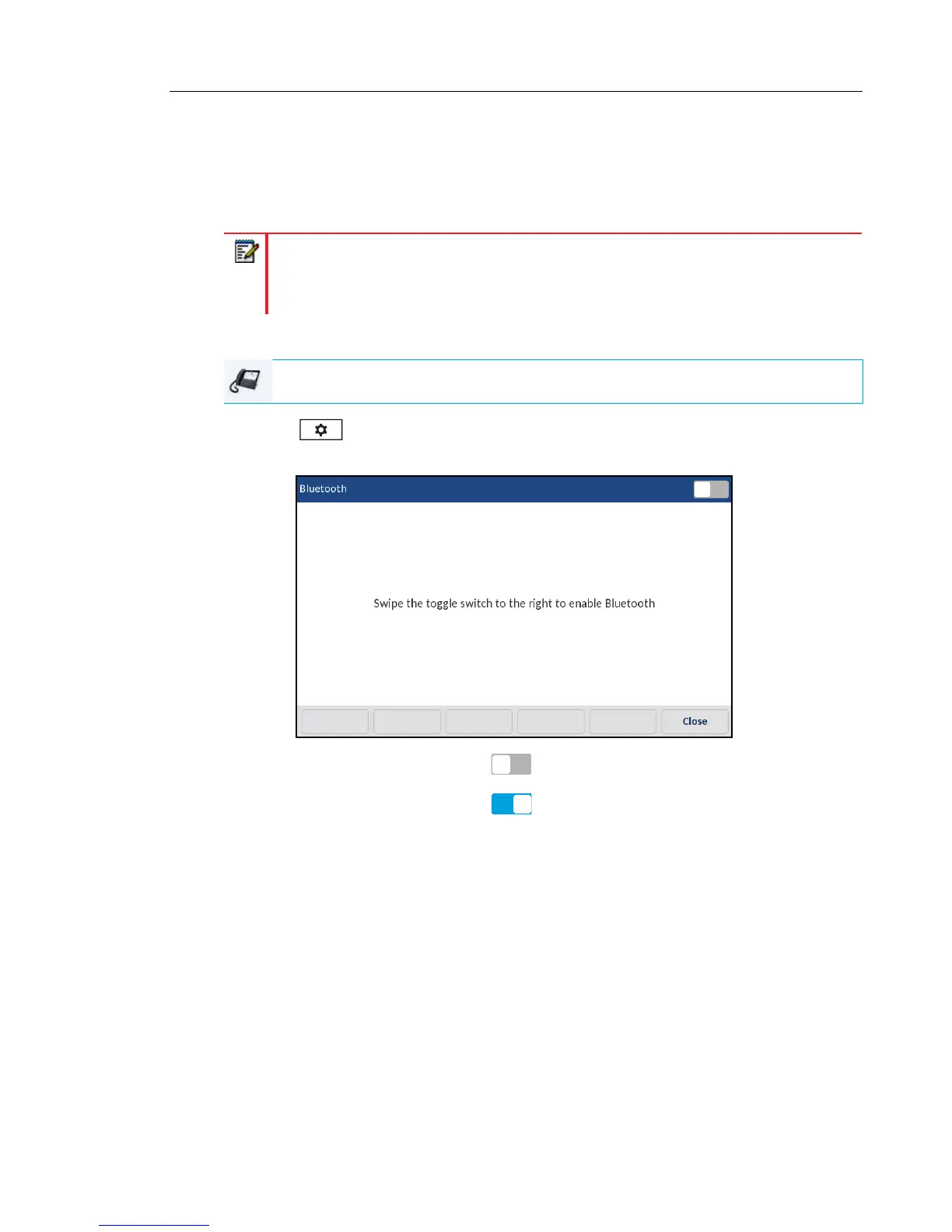
3. Swipe the Bluetooth toggle switch to the right to enable Bluetooth functionality.
or
Swipe the Bluetooth toggle switch to the left to disable Bluetooth functionality.
Note: When the default (Speaker) audio mode is being used, if Bluetooth is enabled
and a Bluetooth headset is paired, the phone automatically switches the audio mode to
Headset/Speaker. For instructions on how to manually override the audio mode, see
“Audio Mode” on page 77.
IP PHONE UI



 To Next Page