Customizing Your Phone
71
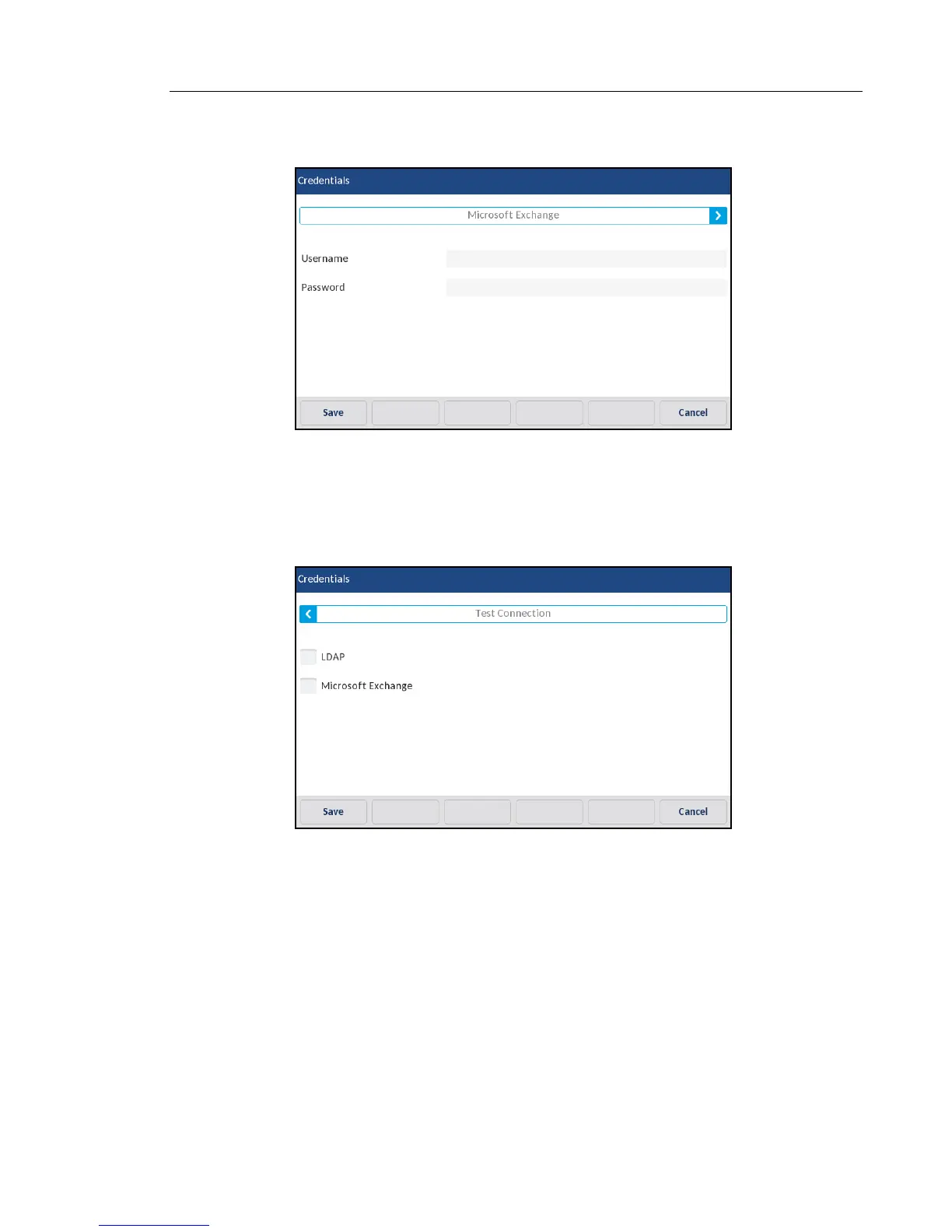
3. Press the left and right arrow buttons on the feature tab to navigate to the desired feature
(e.g. LDAP, Microsoft Exchange, BroadSoft Xsi).
4. Press the Username field and enter in the username applicable to the Directory source.
5. Press the Password field and enter in the password applicable to the Directory source.
6. Repeat Steps 3 to 5 for any other features you want to configure.
7. Press the right arrow button on the features tab until you reach the Test Connection tab.
8. Press the checkboxes corresponding to the features you want to test to enable authenti-
cation/connection testing on the features.
9. Press the Test softkey to begin testing.
A green will appear if there are no issues with the authentication/connection to the
external source.
A red ! will appear if issues are found.
If there are issues with your connection, please check your username and password for
any errors.
10. Press the Save softkey to save your changes.



 To Next Page