Handling Calls
167
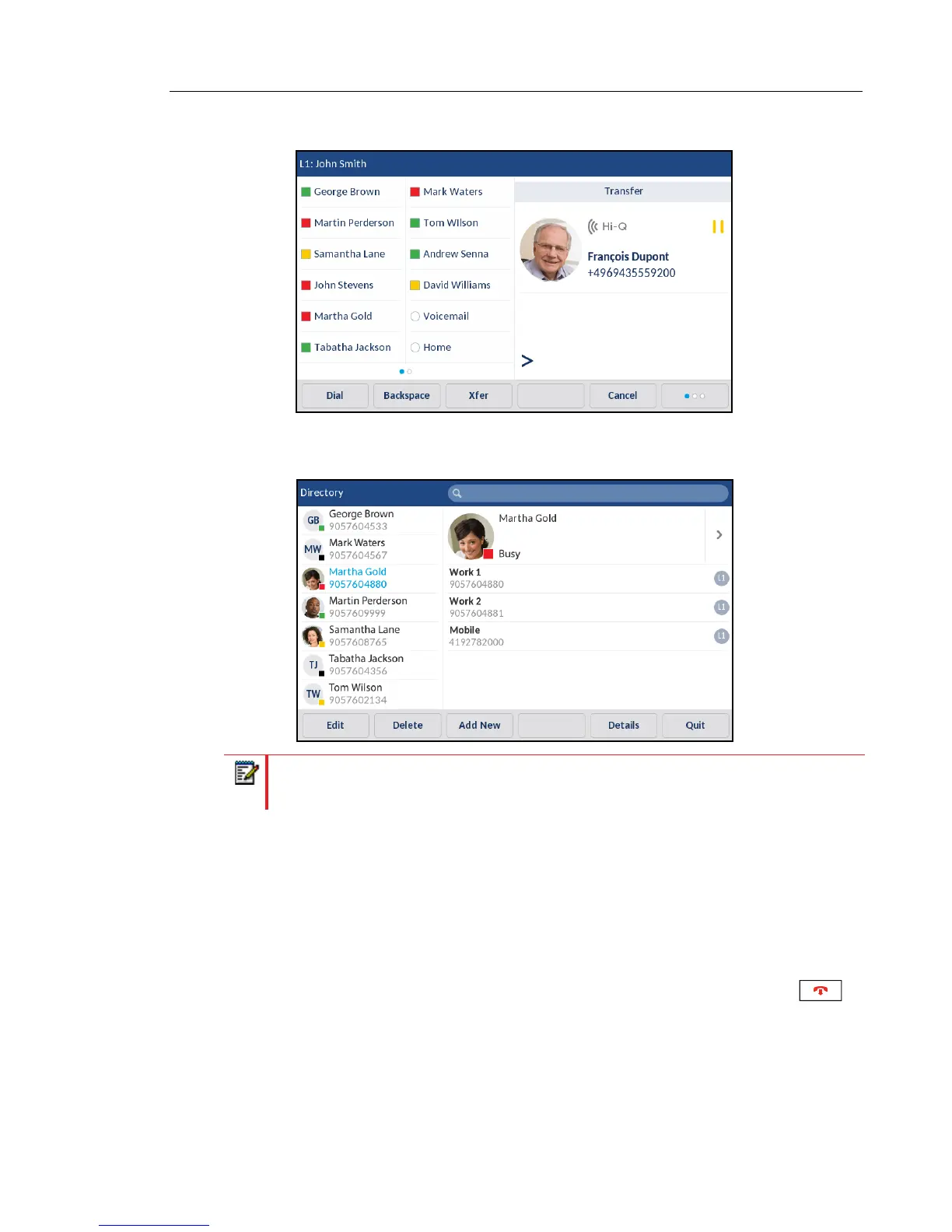
2. Press the Xfer softkey.
3. Press the softkey configured for Directory functionality and press a directory entry and then
the desired number.
4. Complete either a blind or consultative transfer:
a. To complete a blind transfer, press Dial softkey to call the contact and then press the
Xfer softkey before the receiving end answers.
b. To complete a consultative transfer, press Dial softkey to call the contact. Remain on
the line to speak with Party 2 before pressing the press the softkey configured with
Transfer functionality or Xfer softkey again to transfer Party 1 to Party 2.
To cancel the transfer, press the Cancel softkey on the display screen or press .
Note: If you have any additional Directory sources configured, you will need to first
navigate to the desired Directory folder and then highlight the respective entry or number.



 To Next Page