Mitel 6873i SIP Phone Release 4.2.0 SP2 User Guide
184
4. (Optional) Press the Ring Tone field and press the left and right arrow buttons to select
the desired ring tone for the respective contact.
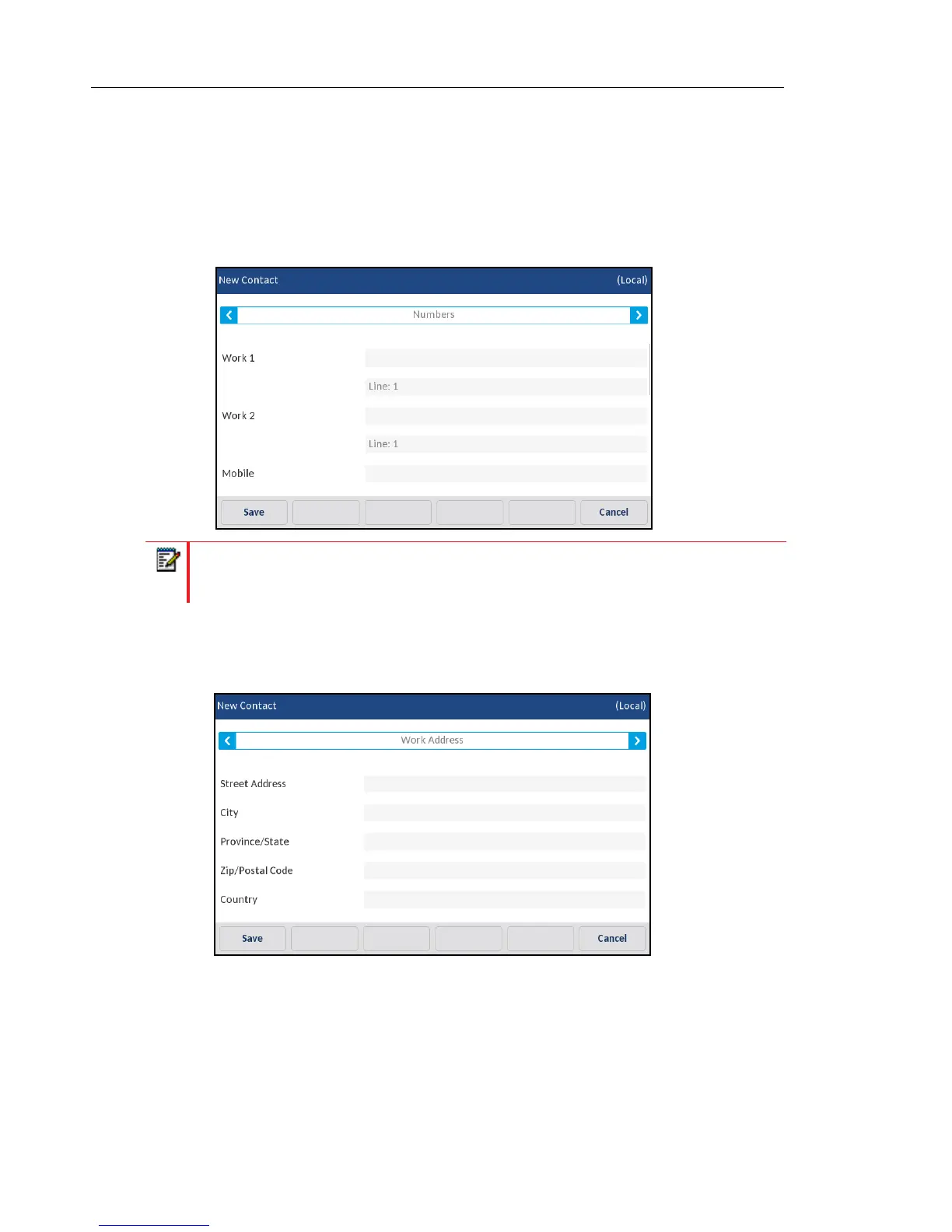
5. Press the Identity tab and press the right arrow button to switch to the Numbers tab.
6. Under the Numbers tab, press the respective phone number field (e.g. Work 1, Work 2,
Mobile, etc...) and using the on-screen keyboard input the contact’s numbers in the desired
fields.
7. Press the Numbers tab and press the right arrow button to switch to the Work Address tab.
8. Under the Work Address tab, press the desired fields and using the on-screen keyboard
input the work address information of the respective contact.
9. Press the Work Address tab and press the right arrow button to switch to the Home
Address tab.
Note: For each number you can assign a specific line (if available) to dial out on by
selecting the respective Line field and pressing the left and right arrow buttons to switch
lines.



 To Next Page