Getting Started
17
The following table identifies and describes the phone/line status indicators on the Home
screen.
In addition to the phone/line status indicators, status messages with regards to the following
are displayed on the Home screen when the situation arises:
• Number of missed calls
• Phone lock status
• SCA Caller IDs
• XML-related text
• Network status
ICON DESCRIPTION
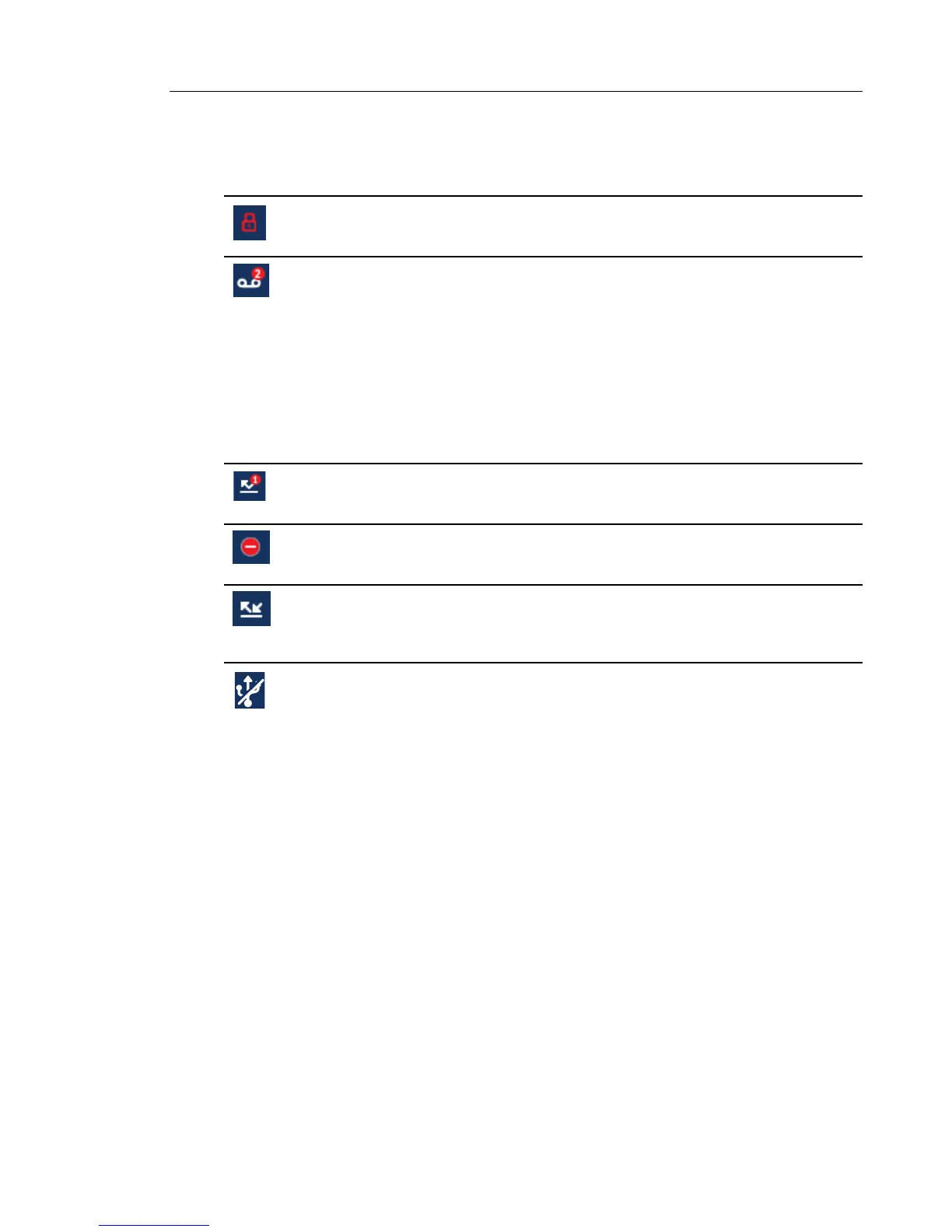
Phone Locked - The lock icon displays on the Home screen indicating that the phone is in a
locked state preventing the phone from being used and preventing any changes from being
made to the phone.
Voicemail - The voicemail icon displays on the Home screen only if you have new messages
waiting. The number in the red circle indicates how many new messages you have (from 1 to
9; if the total number of pending messages is greater than 9, an exclamation mark "!" is
displayed). To access your voicemail messages, use the star codes for your system if a
voicemail softkey has not been configured on your phone. For more information on your
system’s star codes, please refer to the documentation for the voicemail system you are
using.
Note: Depending on your call manager, the voicemail icon may not indicate the number of
pending messages, but instead just indicate messages are pending by the use of an
exclamation mark "!".
Missed Calls - The Missed Calls icon displays on the Home screen only when incoming calls
have not been received. The number in the red circle indicates how many calls were missed.
To access a list of your missed calls, press the Received Callers List key.
Do Not Disturb - The Do Not Disturb (DND) icon displays on the Home screen when the DND
feature is enabled. When DND is enabled, callers calling into the phone hear a busy signal or
a message, depending on the configuration.
Call Forward - The Call Forward icon displays on the Home screen when the Call Forward
feature is enabled. When Call Forward is enabled, incoming phone calls are automatically
forwarded to a defined number when your phone is in a busy state and/or when the call is not
answered after a specified number of rings.
USB Disabled - The USB Disabled icon displays on the Home screen when the phone is
being powered using 802.3af Power over Ethernet (PoE) and one or more expansion
modules are connected to the 6873i.
If this icon is displayed, the USB port will not be functional. Use the recommended AC adapter
(optional accessory) or power the phone using 802.3at PoE plus to ensure the USB port will
be functional when expansion modules are connected to the 6873i.



 To Next Page