Managing Calls
195
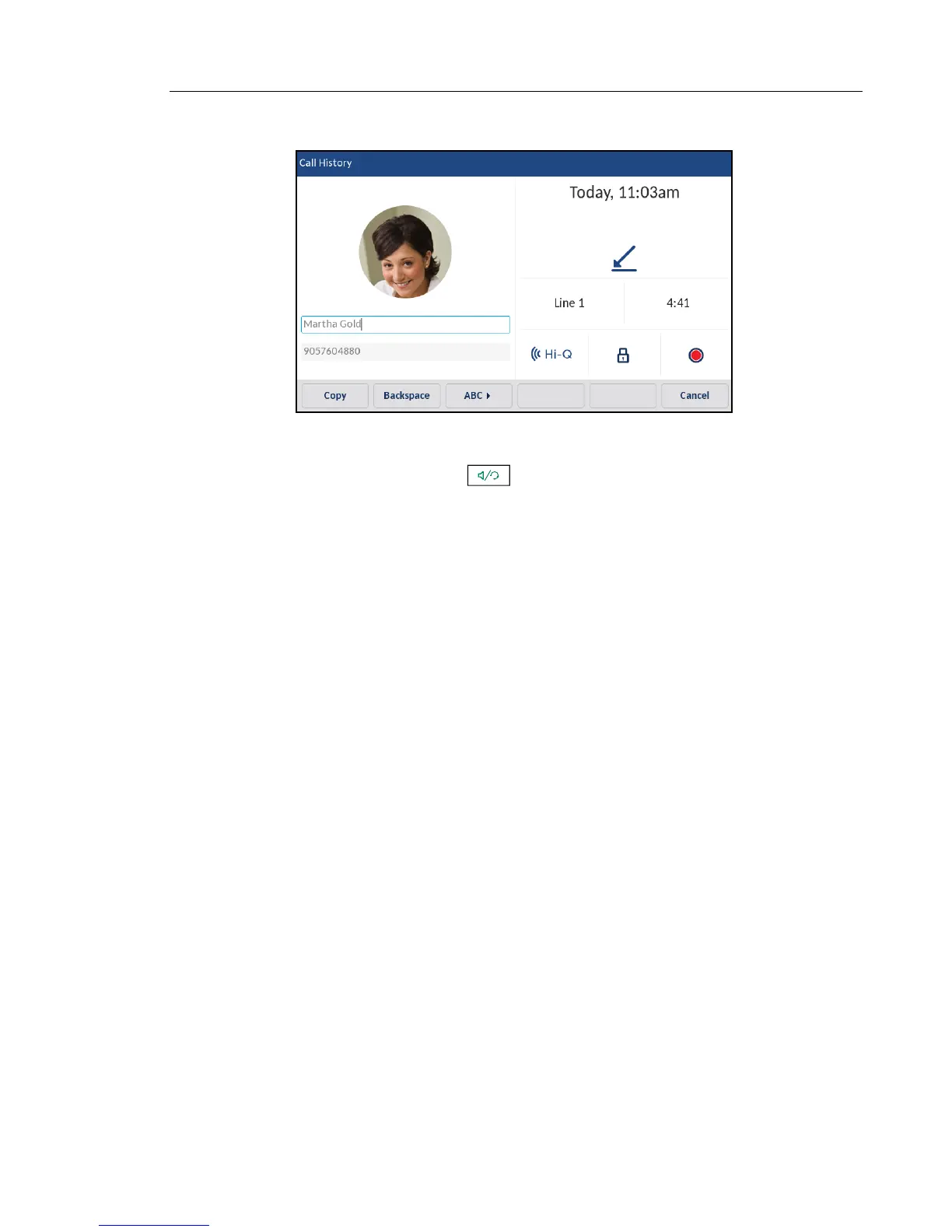
4. Press the Edit softkey.
5. Using the on-screen keyboard, edit the name and/or number.
6. To dial the new number, press , lift the handset, or press any of the line keys.
7. To copy the new number to the Local Directory, press the Copy softkey.



 To Next Page