Managing Calls
197
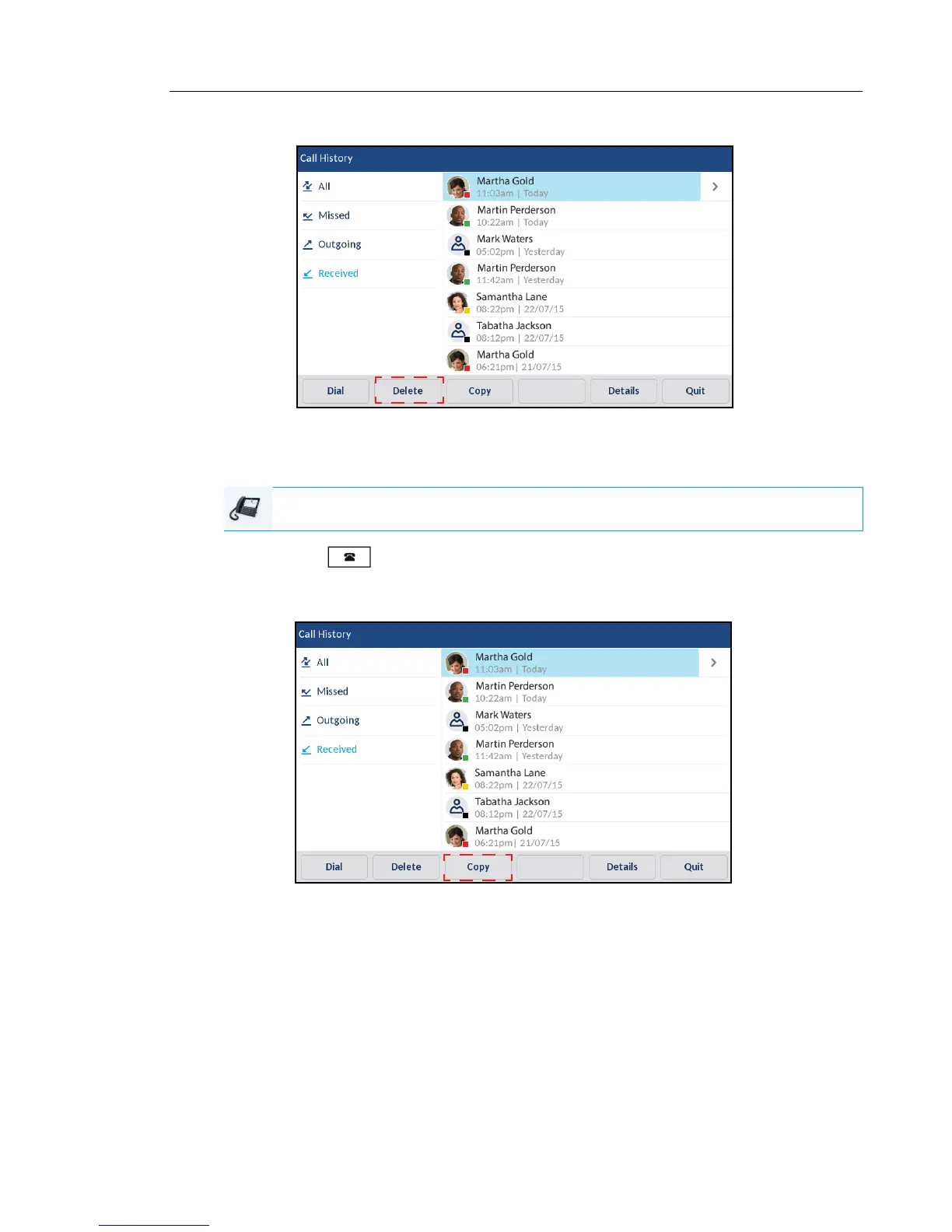
3. Press the Delete softkey.
4. Press the Delete softkey again to erase the entry.
COPYING ENTRIES TO THE LOCAL DIRECTORY
1. Press the key.
2. Swipe up and down to scroll through the
entries in the
Received Callers List and press an
entry.
3. Press the Copy softkey.
The entry is copied to the Local Directory.
IP PHONE UI



 To Next Page