Managing Calls
199
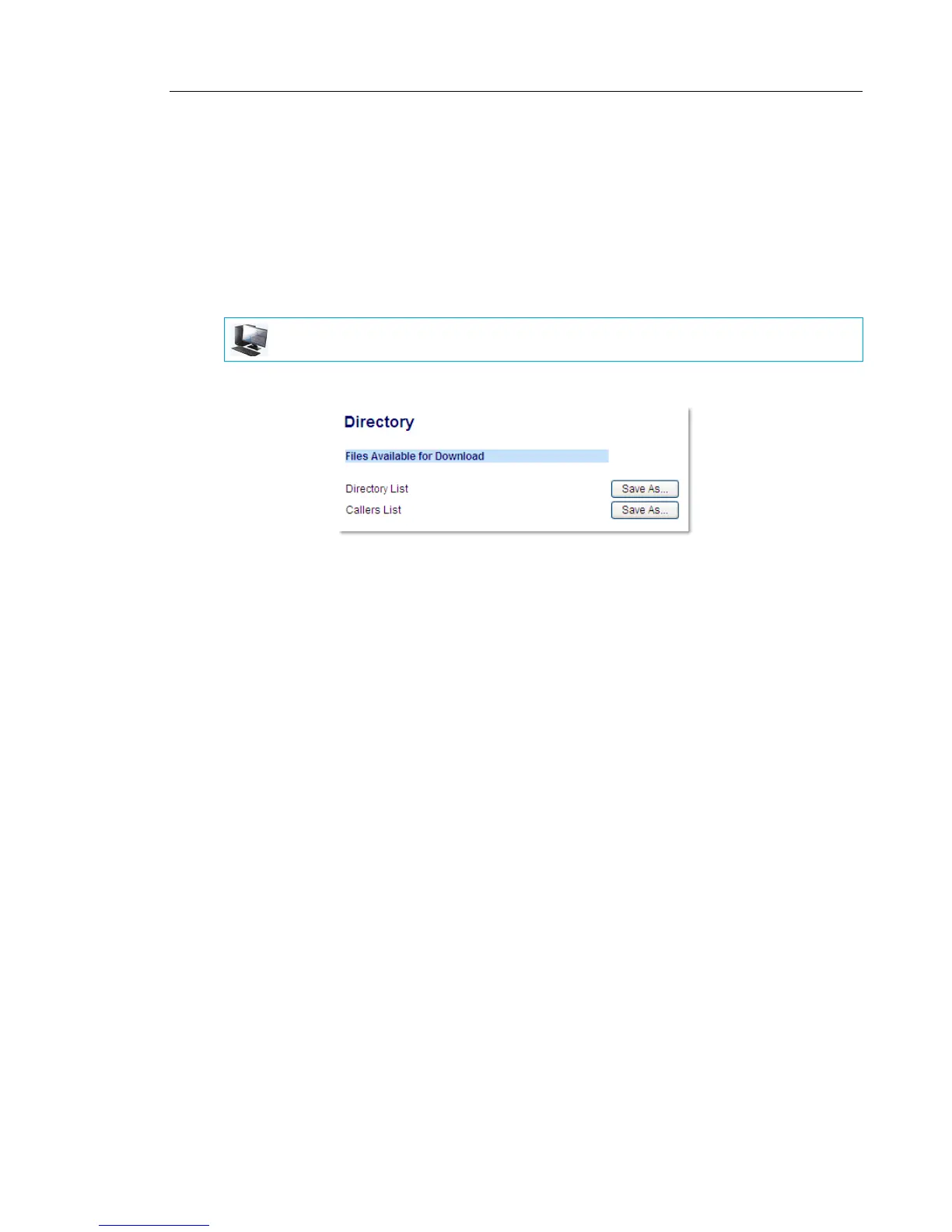
DOWNLOADING THE RECEIVED CALLERS LIST TO YOUR PC
You can download the Received Callers List to your PC for viewing using the Mitel Web UI.
When you download the Received Callers List, the phone stores the callerlist.csv file to your
computer in comma-separated value (CSV) format.
You can use any spreadsheet application to open the file for viewing. This file displays the
phone number, caller name, and the line that the call came in on.
Downloading the Received Callers List
1. Click on Operation > Directory.
2. In the Callers List field, click on Save As.
A download window displays.
3. Click OK.
4. Enter the location on your computer where you want to download the Received Callers
List and click Save.
The callerslist.csv file downloads to your computer.
5. Use a spreadsheet application to open and view the Received Callers List.
MITEL WEB UI



 To Next Page