Mitel 6873i SIP Phone Release 4.2.0 SP2 User Guide
204
DND in Phone Mode (Default)
1. From the Home screen, press the DND softkey to toggle DND on or off for all accounts on
the phone.
DND in Custom Mode
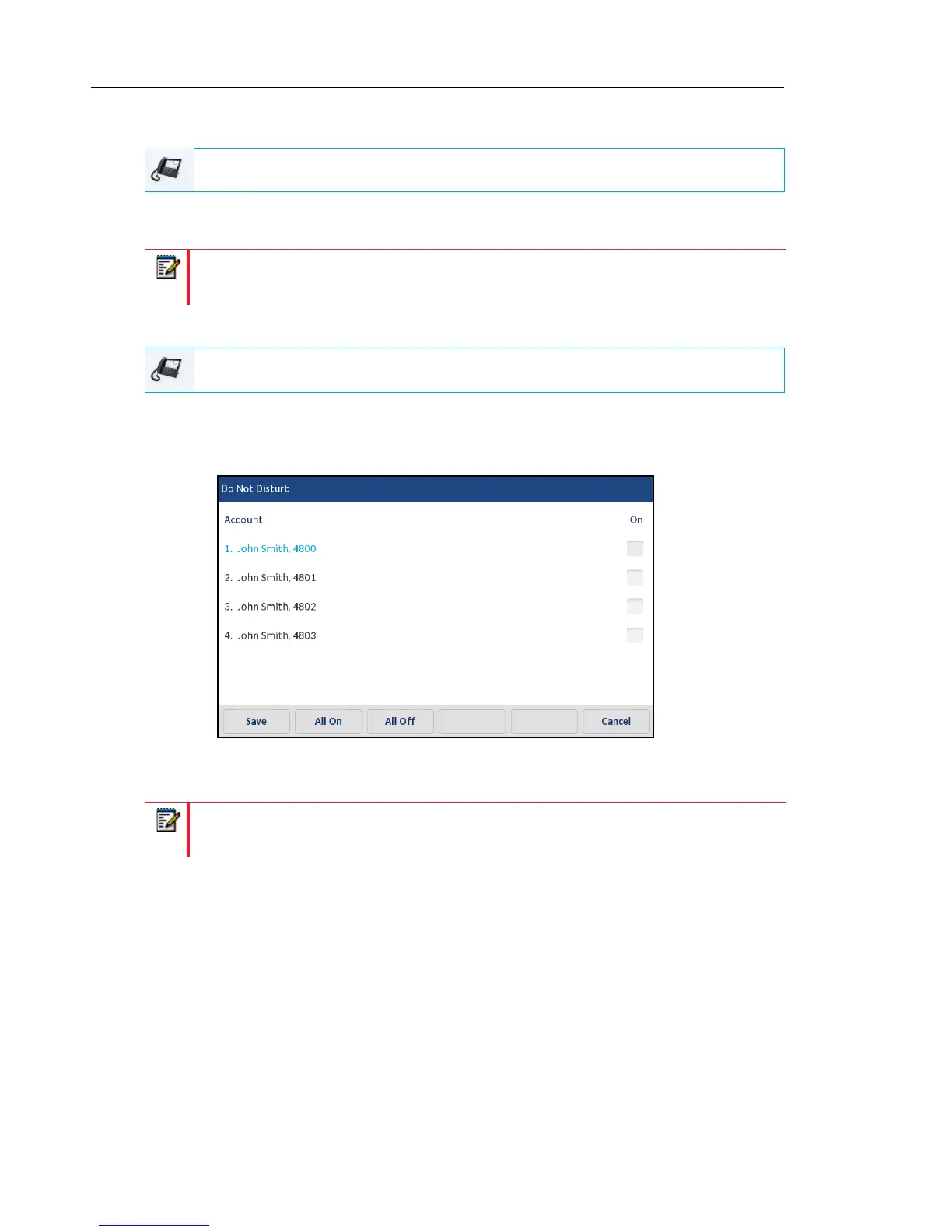
1. From the Home screen, press the DND softkey.
The screen displays a list of the accounts on the phone and allows you to enable/disable
a specific account or all accounts.
2. Swipe up and down to scroll through the accounts and press respective checkbox to enable
DND for the corresponding account.
3. Press the Save softkey to save your changes.
IP PHONE UI
Note: Enabling DND in Phone mode toggles all accounts on the phone to DND on.
IP PHONE UI
Note: Press the All On or All Off softkeys to quickly enable or disable DND for all
accounts.



 To Next Page