Mitel 6873i SIP Phone Release 4.2.0 SP2 User Guide
230
Softkeys
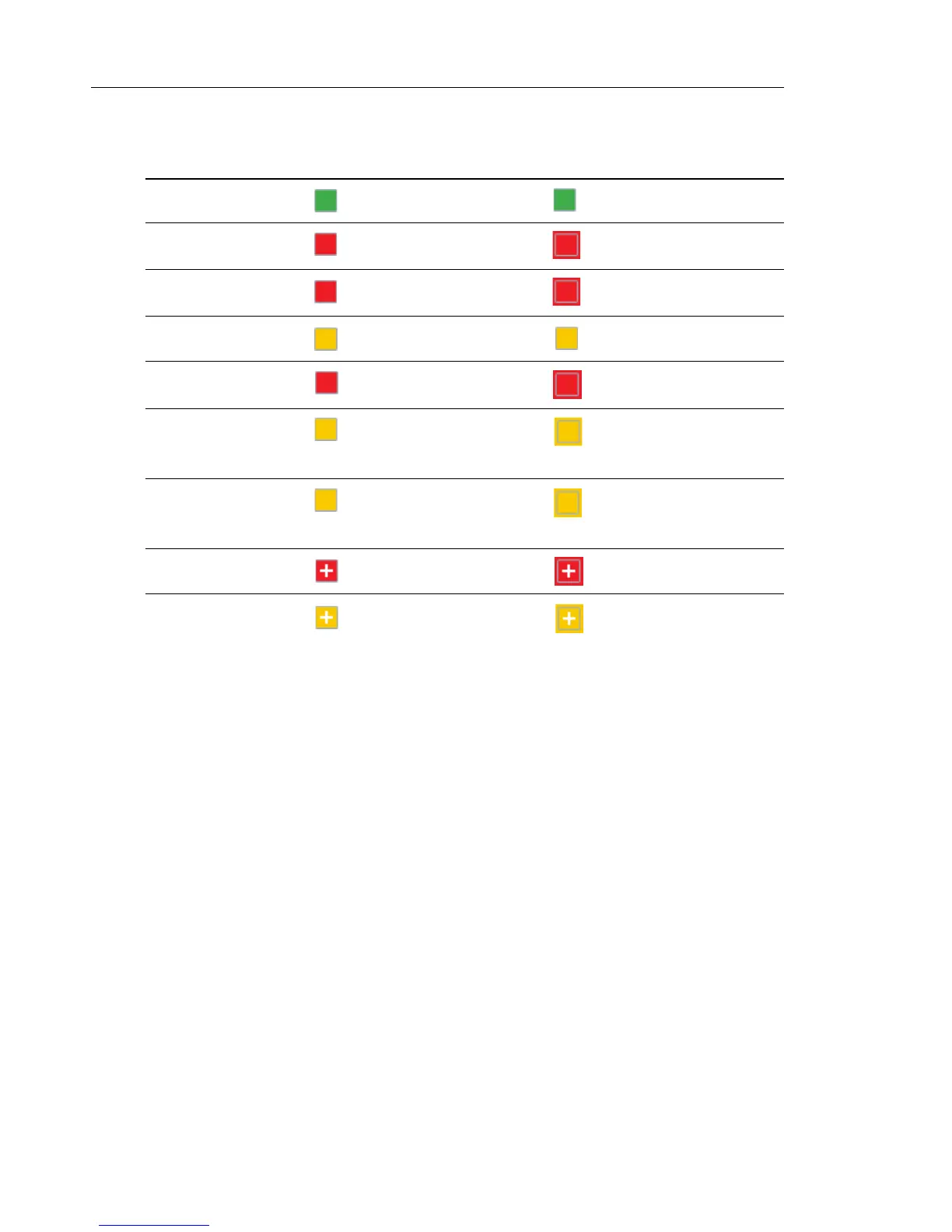
SCA VOICEMAIL INDICATORS
Visual indicators for voicemail messages on SCA lines can be enabled by your System
Administrator. When an SCA-configured line has a pending voicemail message, your
Administrator has the option of configuring the phone to display the number of pending
messages beside the softkey’s label corresponding to the line. Contact your System
Administrator for more information.
STATE SOFTKEY IMAGE FOR LOCAL SOFTKEY IMAGE FOR REMOTE
Idle
Seized
Progressing (outgoing
call)
Alerting (incoming call)
Active
Held
(Blinking) (Blinking)
Hold Private
(Blinking) (Blinking)
Bridge-Active
Bridge-Held
(Blinking) (Blinking)



 To Next Page