Additional Features
235
Configuring the Initiate Call Key on an Assistant’s Phone Using the Mitel Web UI
Use the following procedure to configure the Initiate Call Key on an Assistant’s phone using
the Mitel Web UI:
1. Click on Operation->Softkeys and XML.
or
Click on Operation->Expansion Module Keys.
2. Select a key that you want to use as an Initiate Call key.
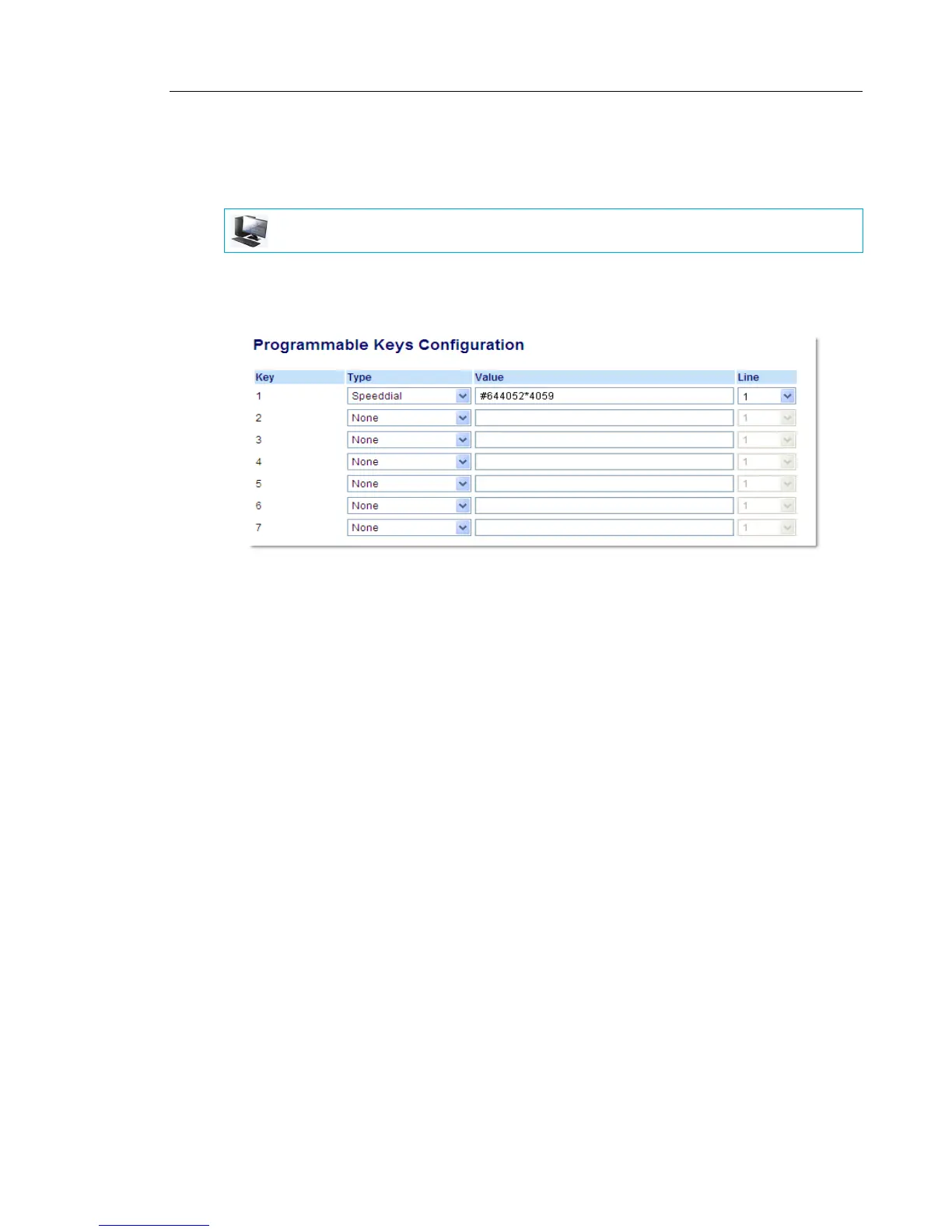
3. In the "Type" field, select "Speed dial".
4. In the "Label" field, enter a label to apply to this key (e.g. Init).
5. In the "Value" field, enter the Initiate Call FAC (e.g. #64)
or
In the "Value" field, enter the Initiate Call FAC, followed by the Executive’s Address (e.g.
#644052)
or
In the "Value" field, enter the Initiate Call FAC, the Executive’s Address, followed by an
asterisk, and then the Destination Address (e.g. #644052*4059)
6. In the “Line” field, select the line for which you want to use the key functionality.
7. Click Save Settings to save your settings.
MITEL WEB UI



 To Next Page