Mitel 6873i SIP Phone Release 4.2.0 SP2 User Guide
242
1. Press the Options key and then navigate to the Call Forward menu
or
Press the Call Forward softkey.
2. Press the Forward Filtering number field and enter the applicable forwarding number.
3. Press the checkbox beside the Forward Filtering number field.
A checkmark will be displayed indicating call forwarding of all filtered calls is to be activated.
4. Press the Save key to save your changes.
The idle screen status bar will display the Call Forward icon and the MWI and (if
configured) Call Forward softkey LEDs will be lit indicating Forward Filtering is activated.
To Deactivate Call Forwarding of Filtered Calls
Use the following procedure to deactivate call forwarding of filtered calls:
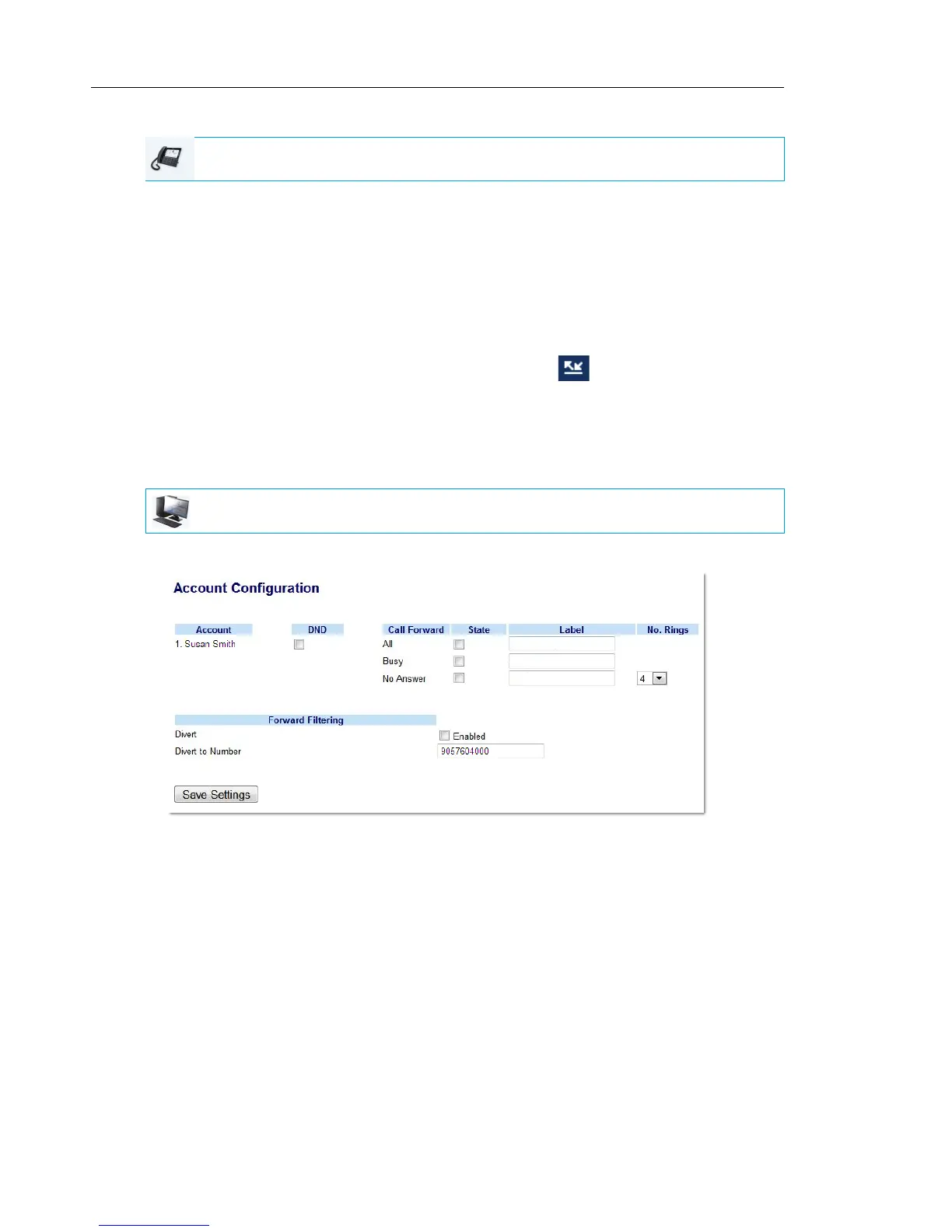
1. Click on Basic Settings->Account Configuration.
2. Remove the checkmark in the “Enabled” box beside the “Divert” option under “Forward
Filtering”.
3. Click Save Settings.
IP PHONE UI
MITEL WEB UI



 To Next Page