Customizing Your Phone
39
Specifying the Language to Use Using the Mitel Web UI
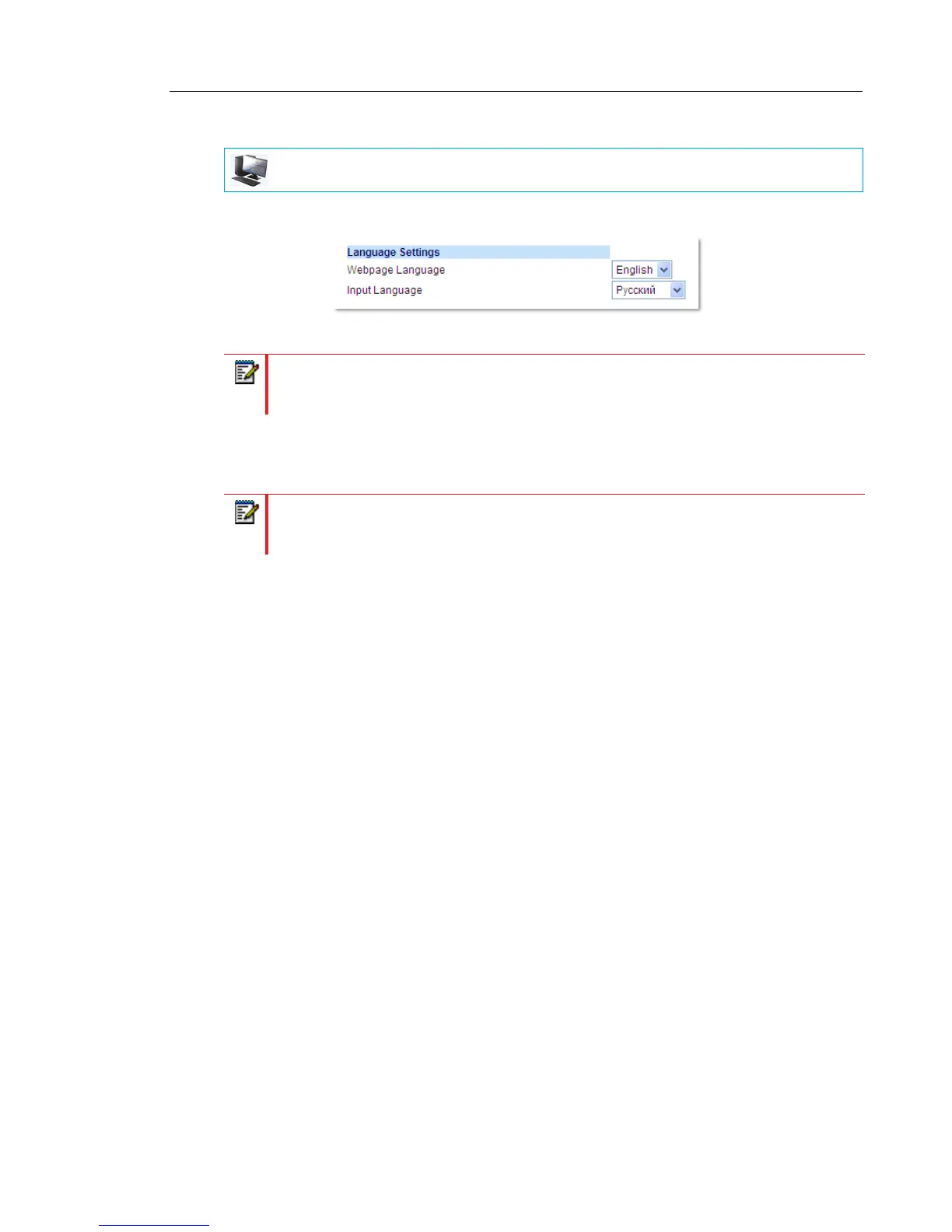
1. Click on Basic Settings > Preferences > Language Settings.
2. In the Webpage Language field, select a language to apply to the Mitel Web UI.
3. Click Save Settings.
The change is dynamic. The Mitel Web UI will display all screens in the language you
selected.
INPUT LANGUAGE
The 6873i supports text and character inputs in various languages (English, German, French,
Spanish, Italian, Portuguese, Russian, Nordic, and Greek). Inputting textual or character
information into the IP phone UI can be done using the dialpad on the phone or by using the
on-screen keyboard. The 6873i provides on-screen international (QWERTY), French
(AZERTY), German (QWERTZ), Russian, and Greek keyboard layouts.You can configure the
Input Language feature using the Mitel Web UI or the IP phone UI.
MITEL WEB UI
Note: All languages may not be available for selection. The available languages are
dependent on the language packs currently loaded to the IP phone by your System
Administrator. English is the default language and cannot be changed or removed.
Note: You must have the language pack(s) already loaded to your phone in order to use
them. For more information about loading language packs, contact your System
Administrator.



 To Next Page